A better Uptime Kuma.
Measured inside. Confirmed outside.
Health checks monitor websites, servers, ports, TLS certificates, cron jobs and Docker containers – right inside your home network and, if you like, from the outside as well, via the ipv64.net locations in Nuremberg and Falkenstein. So you don't just know that something is wrong, but also where.
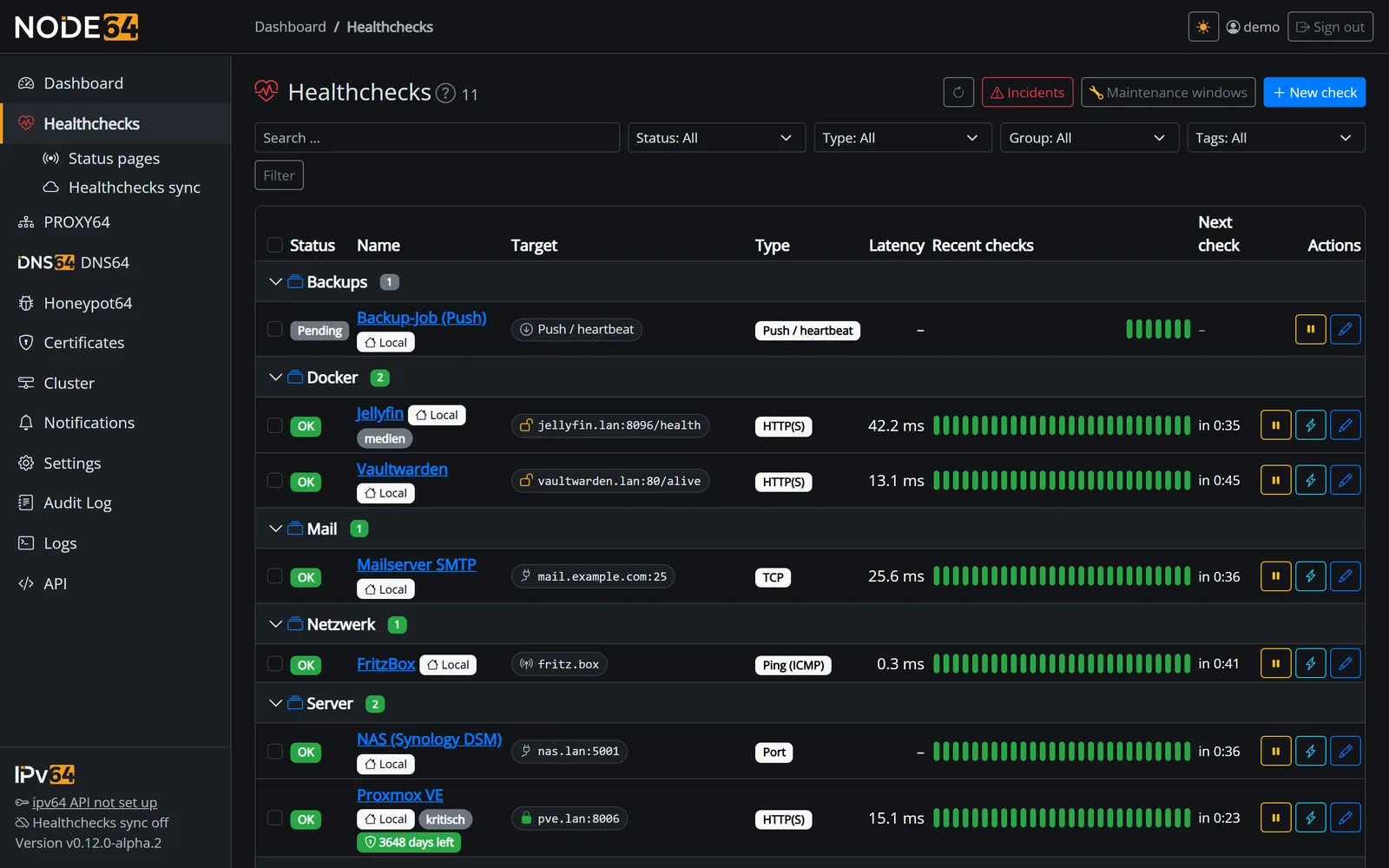
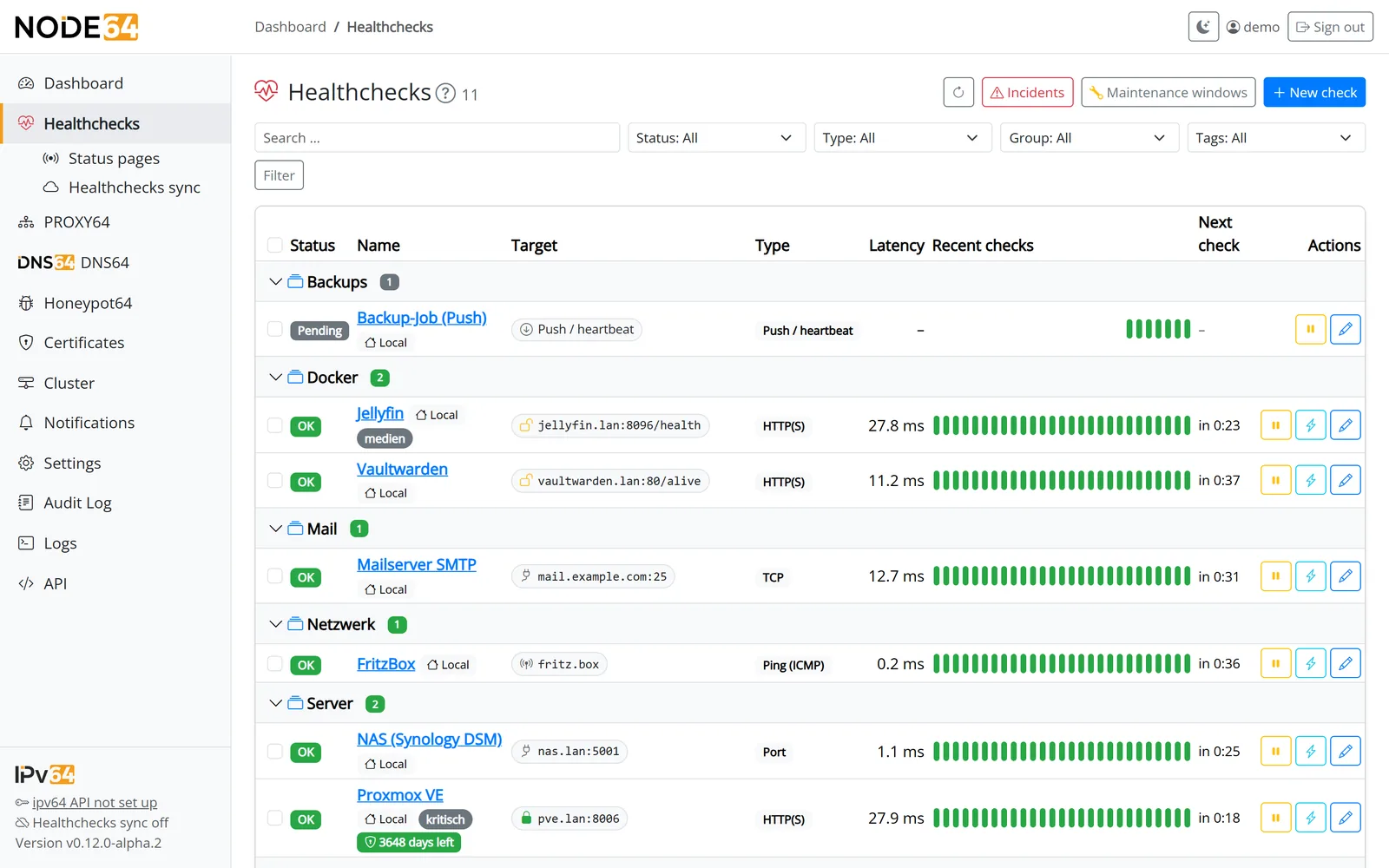
One check. Two points of view.
A monitor inside your home network only sees the inside. It can't tell you whether your Nextcloud is reachable when you're on the road. In hybrid mode, Node64 runs the check inside while ipv64.net runs the very same check from the outside.
- The node checks inside: directly in your network, including targets like
fritz.boxorhomeassistant.local. - ipv64 checks outside: from Nuremberg and Falkenstein, through your router, DNS and port forwarding – just like your users.
- The node dials out: outbound and encrypted. You don't open a single port, not even behind DS-Lite or CGNAT.
- One overall state: you decide when the check counts as down – when all, any or the majority of measuring points report a problem.
 # Your home network                                  # Internet
 ┌──────────────────────────────┐  external checks    ┌──────────────────────┐
 │ Nextcloud                    │◄────────────────────┤ ipv64.net            │
 │ cloud.example.com            │  via router, DNS,   │ Nuremberg location   │
 └──────────────▲───────────────┘  port forwarding    │ Falkenstein location │
                │ checks inside                       └──────────▲───────────┘
 ┌──────────────┴───────────────┐                                ║
 │ Node64                       │════════════════════════════════╝
 │ health checks at home        │   the node opens the connection:
 └──────────────────────────────┘   outbound, encrypted, no open port
Down inside, OK outside
The problem is in your home network, on the node or on the internal path.
OK inside, down outside
Internet uplink, port forwarding, DNS or firewall – the service itself is fine.
Down inside and outside
The service itself is affected. Time to look at the server.
The detail page of every hybrid check shows this diagnosis automatically.
Everything homelab monitoring needs
From a simple ping to a hybrid check with several measuring points – built into Node64, no extra containers required.
Watches itself, too
If your node or your internet goes down, a check doesn't stay green – it turns “Not monitored”. When connected to ipv64.net, you actively get told that it is no longer being checked.
Multiple measuring points
A check can be measured by several nodes and ipv64 locations. Each measuring point gets its own chart; the overall state follows your rule.
Offline-proof
Without internet, the node keeps measuring and alerts through its own channels. It uploads measurements and events later – nothing gets lost.
Docker containers
All containers of the host monitored automatically: “healthy”, restart loops, OOM, CPU and RAM with history – with rules like Proxmox VE. Keep single containers as a check on your status page if you like.
Push for cron jobs
Backups and scripts report in by themselves. The push URL works inside your network (counts even without internet) and online via ipv64.net (reachable from anywhere).
Alerts without the noise
Retries, stabilization, flap detection, summary messages, quiet hours and dependencies make sure one outage means one message.
Maintenance windows
Once, daily, weekly or monthly. Checks keep running but don't alert, and maintenance doesn't count against availability.
History & availability
Charts from one hour up to a year, availability in percent, response times min/avg/max and an incident list across all checks.
IPv4 and IPv6
Check both address families separately in one check. If IPv6 is only missing inside the Docker network, the node doesn't mistake that for an outage of the target.
Cluster
Several nodes sync checks and measurements directly – at home or across networks, even without an ipv64 account. You get notified exactly once – if one node fails, the next one takes over.
API & Prometheus
Everything the UI can do is available through the JSON API with an OpenAPI 3.1 description – bulk actions included. Prometheus and Grafana metrics come on top.
Stays tidy with many checks
Groups, tags, filters, sorting and bulk actions. Plus a countdown to the next measurement and a layout that works on your phone.
Eleven check types for your network
Each type comes with sensible defaults – and the details that actually matter in a homelab.
HTTP(S)
Status codes, method, headers, body, basic auth, redirects – and a warning before the certificate expires.
Keyword
Looks for a term in the response – or alerts when it shows up, such as an error message.
JSON (API)
Checks values in a JSON response, e.g. status == ok or queue < 100 – for APIs, Home Assistant and status pages.
DNS
A, AAAA, MX, TXT and more – via a specific resolver or the authoritative name servers. Also checks that your DynDNS domain points to your IP.
Ping (ICMP)
Packet loss and average latency for routers, switches, NAS boxes and anything with an IP address.
TCP
Opens a connection, optionally sends something and checks the reply, with an optional TLS handshake.
Port
Tells open, closed and filtered apart. It can also make sure a port stays closed – RDP from the outside, for example.
Certificate
Expiry, chain, hostname and days left – also with your own CA and a custom server name (SNI).
WHOIS / RDAP
Warns before your domain expires and checks registrar, name servers or the details of an IP network and AS.
Push / heartbeat
The service reports in by itself. If the call doesn't arrive, the check goes down – perfect for backups and cron jobs.
Docker container
State and Docker health check of a container, straight from the Docker Engine – also through a socket proxy.
More than just green and red
Node64 tells you honestly what it knows – and what it doesn't.
| OK | All good. |
| Down | Failures beyond the configured retries. |
| Partially down | Only some measuring points report a problem – for example OK inside, down outside. |
| Not monitored | No measuring point has reported for three intervals (at least 5 minutes). Instead of a false green, you see that the state is currently unknown. |
| Quota used up | Online checks once the daily quota of your ipv64 plan is reached – with a note that measuring resumes at midnight. No flood of alerts per check. |
| Flapping | Constantly switching between OK and down – one message instead of many. |
| Stabilizing | Reachable again, but not often enough in a row yet. |
| Dependent | The parent check is down, so this one doesn't alert on its own. |
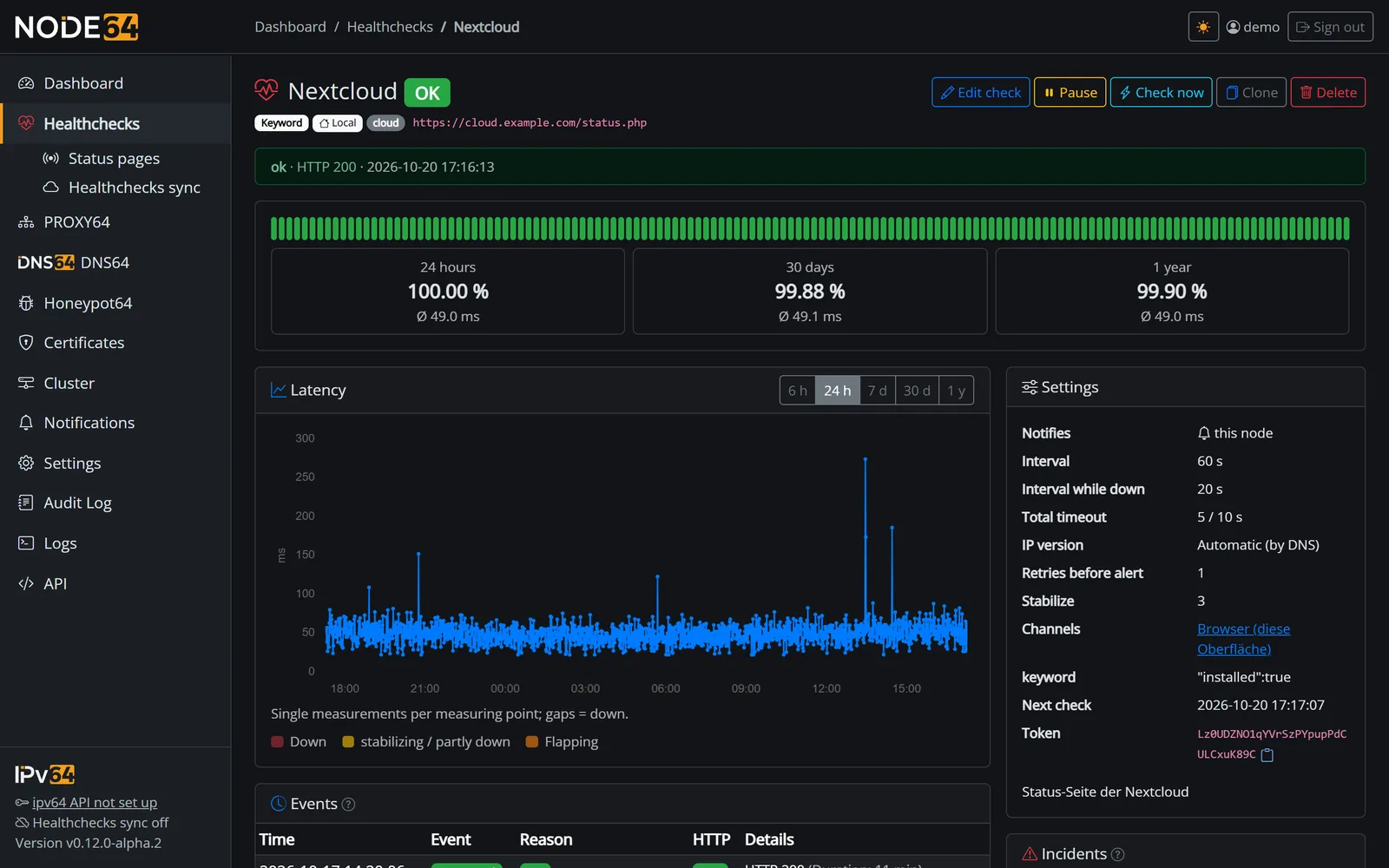
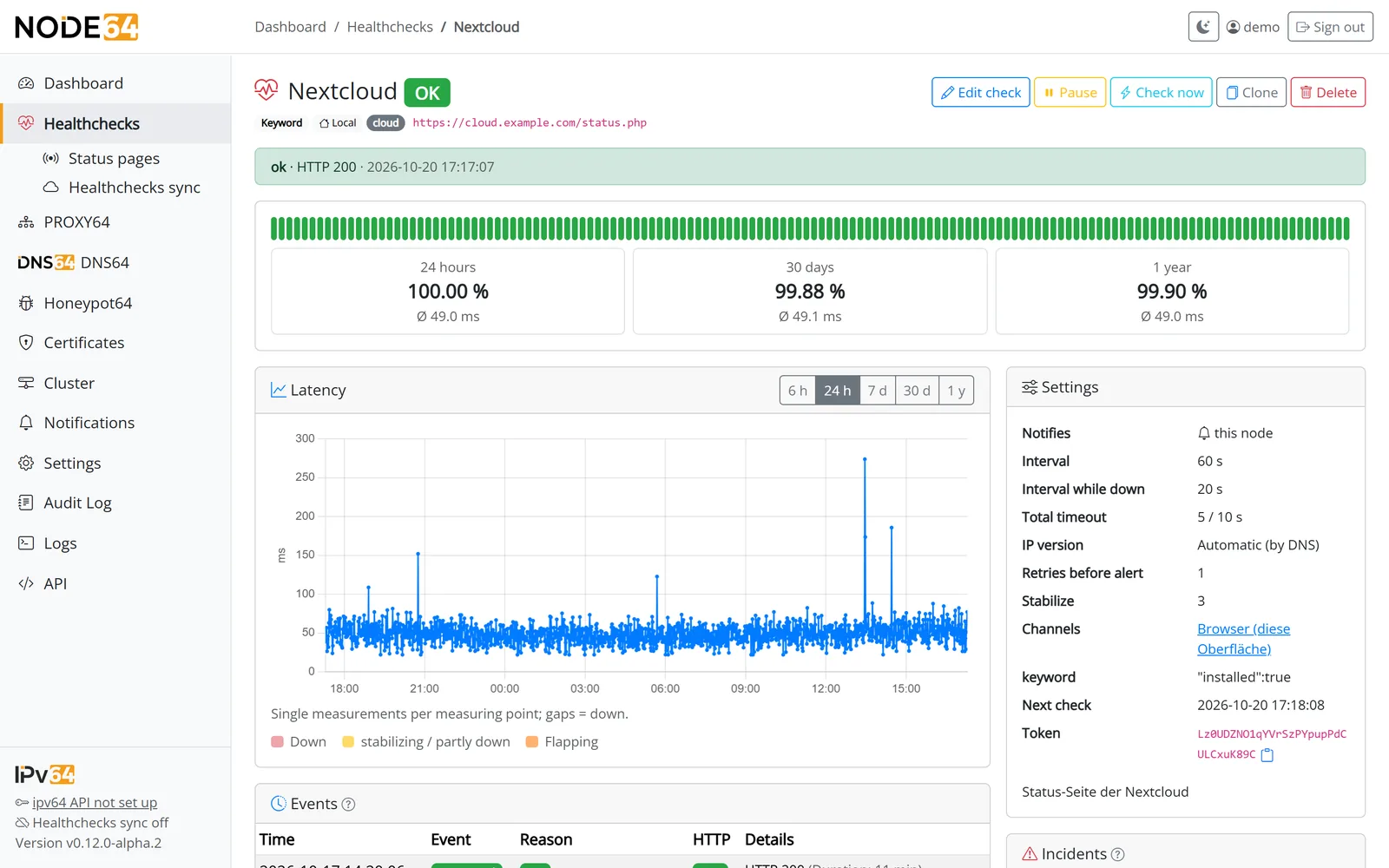
Detail page “Nextcloud”: availability over 24 hours, 30 days and a year, latency per measurement and every event. Connected to ipv64.net, the Nuremberg and Falkenstein locations and the diagnosis are added.
One outage, one message
When your router reboots at 3 a.m., you don't want twenty messages. Node64 tells you what matters – on the channel and in the language you choose.
- Channels: e-mail (SMTP), Telegram, Discord, Slack, Microsoft Teams, Matrix, ntfy, Gotify, Pushover, webhook and browser. Connected to ipv64.net, you also get e-mail and SMS via ipv64 – no mail server of your own required.
- Summary message: if three or more checks fail at the same time, you get one message per channel.
- Quiet hours: at night, only checks marked as critical get through. Afterwards you receive a summary.
- Dependencies: when the FritzBox is gone, your NAS, Proxmox and Home Assistant stay quiet.
- Reminders: optionally every N minutes for as long as the outage lasts.
- No duplicate alerts: together with ipv64.net or in a cluster, exactly one place sends the alert.
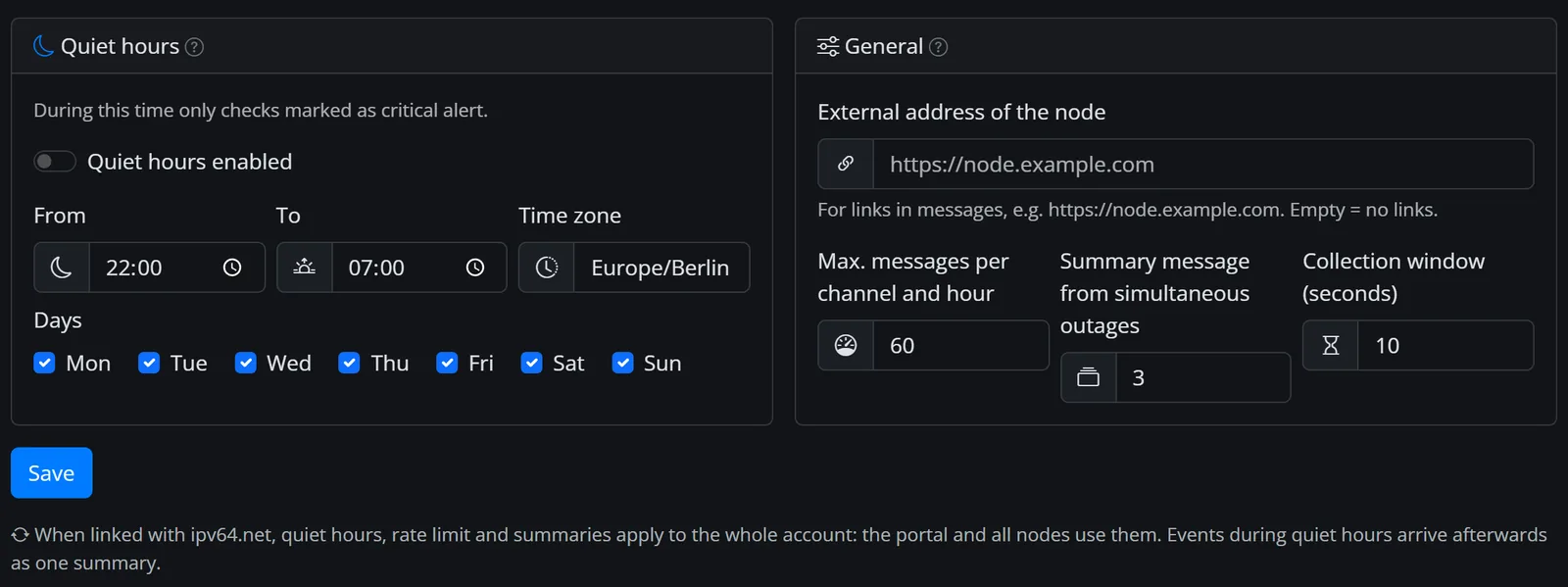
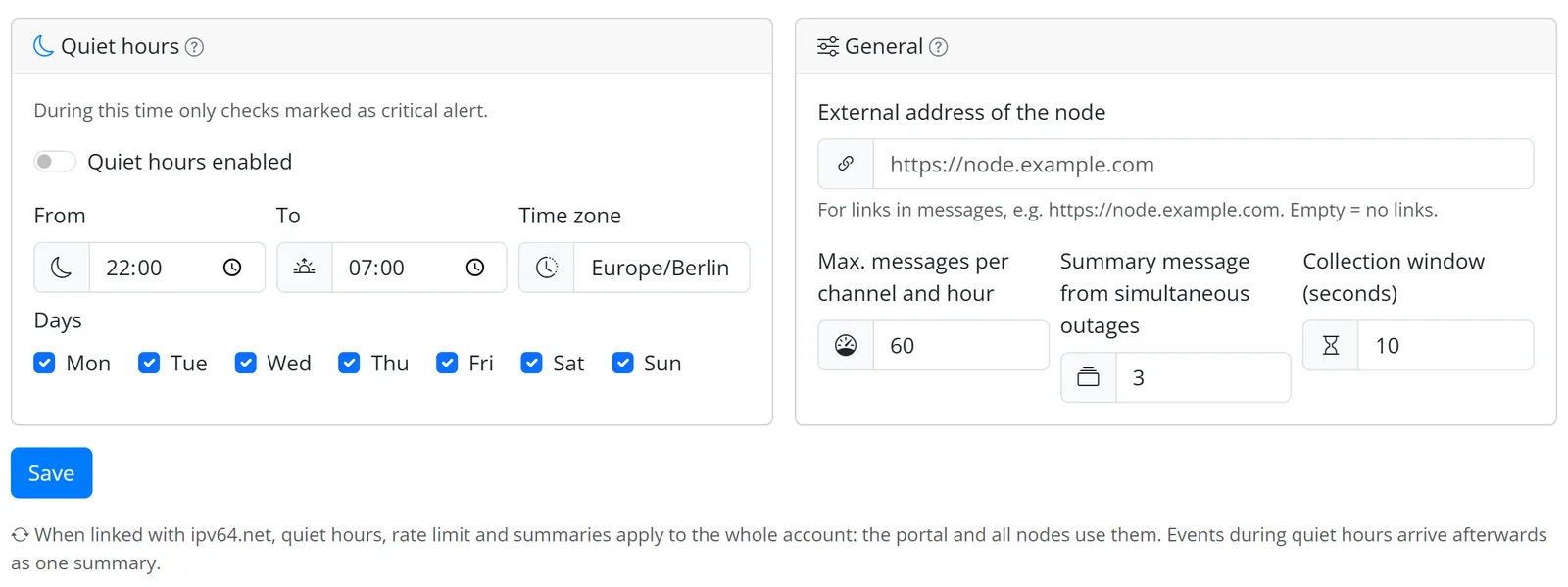
Quiet hours, maximum per channel and grouped alerts – set centrally in the notification settings.
Show that everything is up
A public status page for customers, your club or the family – straight from your checks, no second tool needed.
- Daily bars: 30, 60 or 90 days at a glance, plus availability in percent. One click shows 24 hours, latency and the latest incidents.
- Always up to date: incidents and maintenance windows appear automatically; you add announcements with updates.
- Tiles for the wall monitor: large tiles for a wall display, compact for embedding, list as the default – light or dark, English or German.
- Badges, status.json and feed: SVG badges for READMEs and wikis, JSON for Home Assistant and your own widgets, an Atom feed for incidents.
- No look behind the scenes: visitors only see display names, state and availability – never targets, IPs, ports or error messages.
- Your look: your own logo, also as favicon, an accent colour, arranged by your health check groups. Fits everything from phone to 4K monitor.
- Online right away, your own domain if you like: directly on the node's port or via PROXY64 with certificate, blocklists and country block, via CDN64 even without port forwarding. Optionally with a password.
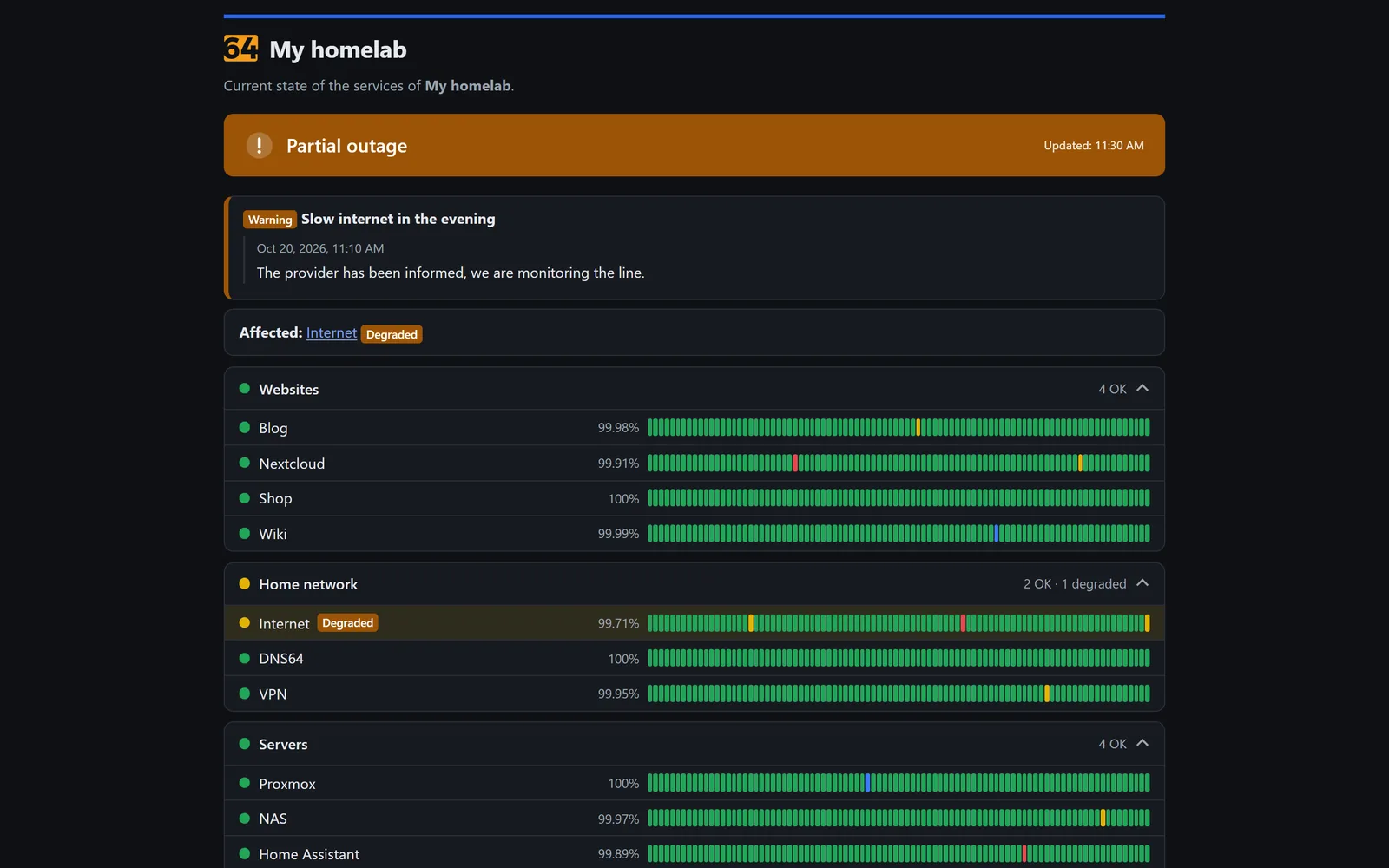
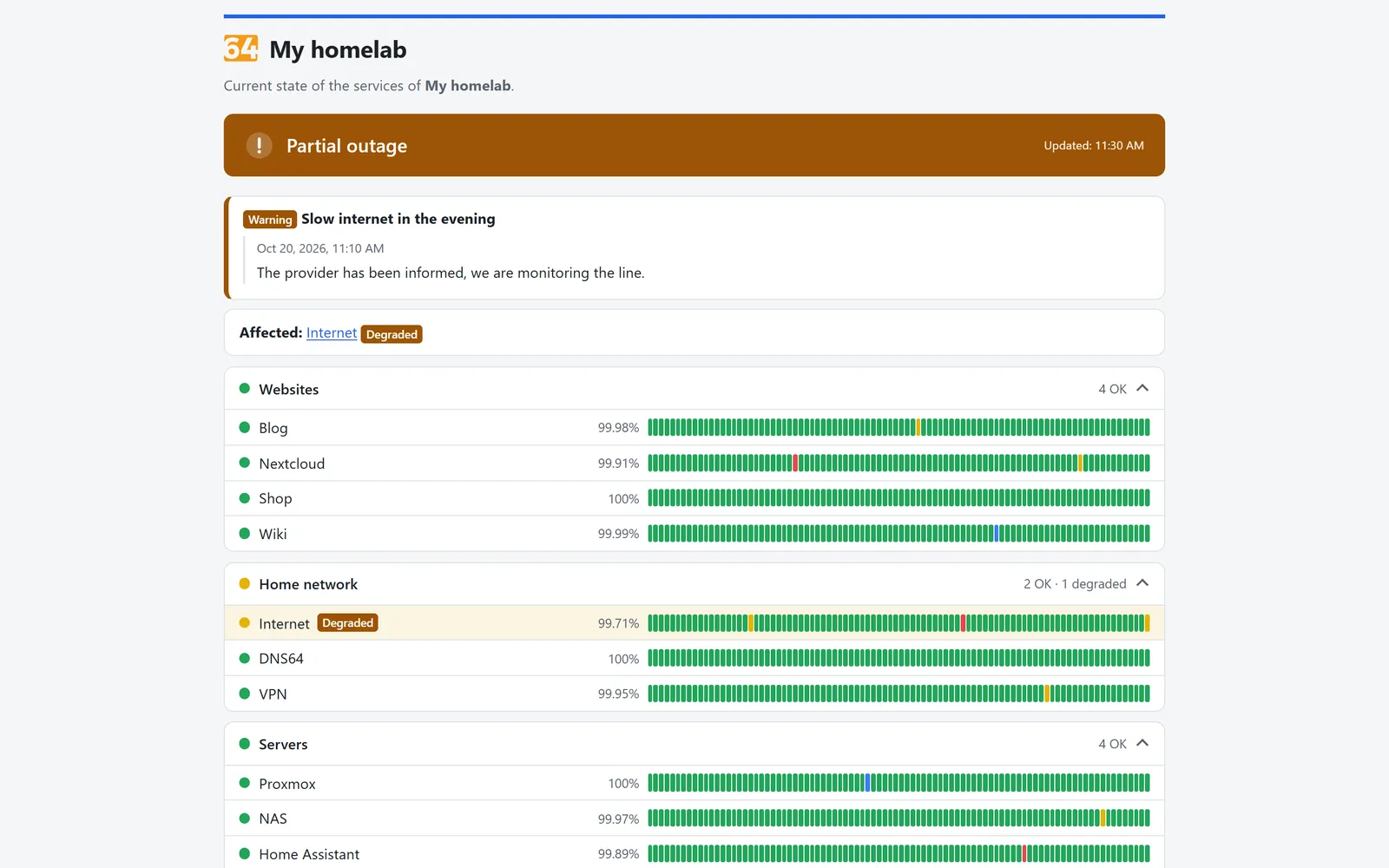
A real status page in the “list” layout: overall banner, announcement and 90 daily bars per service. Yellow is a partial outage, red an outage, blue maintenance.
Node64 health checks and Uptime Kuma
Uptime Kuma is a popular monitor for your own server. Node64 picks up where a single location reaches its limits: the view from the outside.
| Feature | Node64 health checks | Uptime Kuma (typical) |
|---|---|---|
| Checks inside your own network | ||
| Checks from outside without a second server of your own | Nuremberg & Falkenstein | second instance needed |
| Same check inside and outside, with diagnosis | hybrid mode | not out of the box |
| Alert when the monitor itself goes down | “Not monitored” | external monitoring needed |
| Several measuring points per check with a rule | all / any / majority | not out of the box |
| Keep measuring offline, upload data later | no online counterpart | |
| Push URL inside your network and online | both | URL of your own instance |
| Monitor Docker containers | all containers automatically, with CPU/RAM history and rules | |
| Public status pages | daily bars, own logo, badges, own domain, password | |
| Maintenance windows | ||
| Quiet hours with an exception for critical checks | not out of the box | |
| Summary messages and a cap per channel | not out of the box | |
| Flap detection and stabilization | retries | |
| REST API with an OpenAPI description | OpenAPI 3.1 | no official REST API for monitors |
| SMS and e-mail without your own server | via ipv64.net | via third-party providers |
| Technology | a single Go binary with SQLite | Node.js application |
| More modules in the same container | reverse proxy, DNS filter, DynDNS | monitoring only |
Uptime Kuma details reflect common knowledge about a standard installation; features may change with new releases.
Built for the bad day
Monitoring has to work exactly when nothing else does. That's why Node64 runs fully on its own – and the link to ipv64.net is designed to survive outages.
- Two equivalent ipv64 servers in Germany (Nuremberg and Falkenstein). If one fails, the node switches to the other automatically.
- Without internet, the node keeps measuring, stores everything locally and notifies through its own channels – an ntfy or Gotify server in your network, for example.
- Once it's back, it uploads measurements and events without gaps. Late states are filled in quietly at ipv64, without duplicate alerts.
- Local measurements never count against the health check limit of your account plan – only online measuring points do.
Frequently asked questions
fritz.box or .local addresses can't be reached from outside. Your node checks those locally. That's why Node64 rejects private targets for online and hybrid checks right away, and ipv64 won't measure a host name or redirect that points to an internal address either.

Online health checks by ipv64.net
The outside view comes from ipv64.net Healthcheck. Once your node is connected, you see local and online checks side by side – in Node64 and in the ipv64.net portal.
- Manage online checks directly through the ipv64 API v2 with your API key
- More online measurements and locations with the account plans
- Guides and background in the ipv64.net wiki
Do you know whether your homelab is reachable from outside right now?
Install Node64, add your first check, optionally connect it to ipv64.net – and from then on you see your network from the inside and the outside.
The public Docker image is coming soon.

