Your services online.
No port forwarding. No nginx.
PROXY64 is the reverse proxy built into Node64 – a Nginx Proxy Manager alternative without nginx, with HTTP/3, certificates and protection out of the box. With CDN64 you publish services from your home network without opening a single port – even behind DS-Lite and CGNAT. The Cloudflare Tunnel alternative with edge servers in Germany and end-to-end encryption.
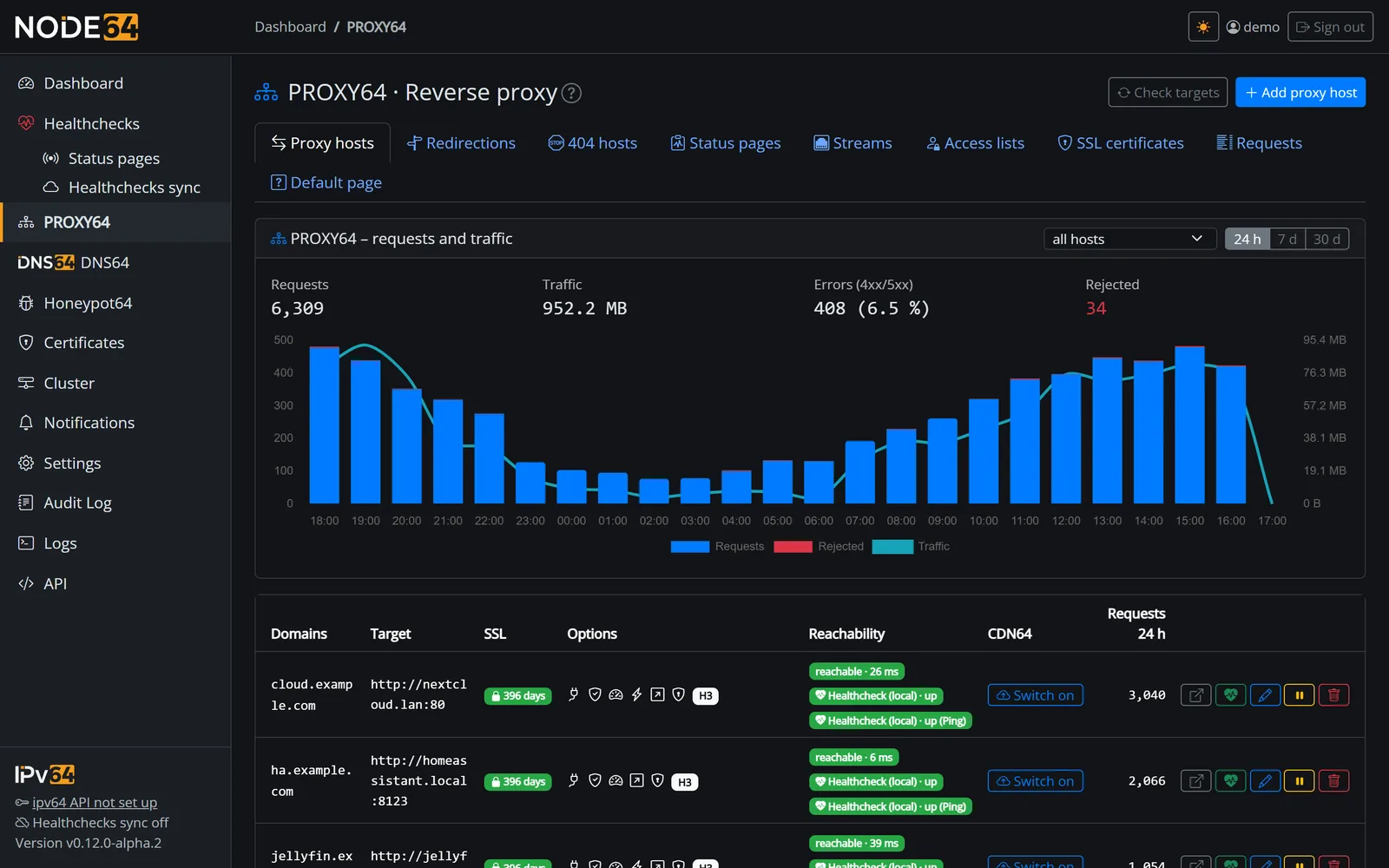
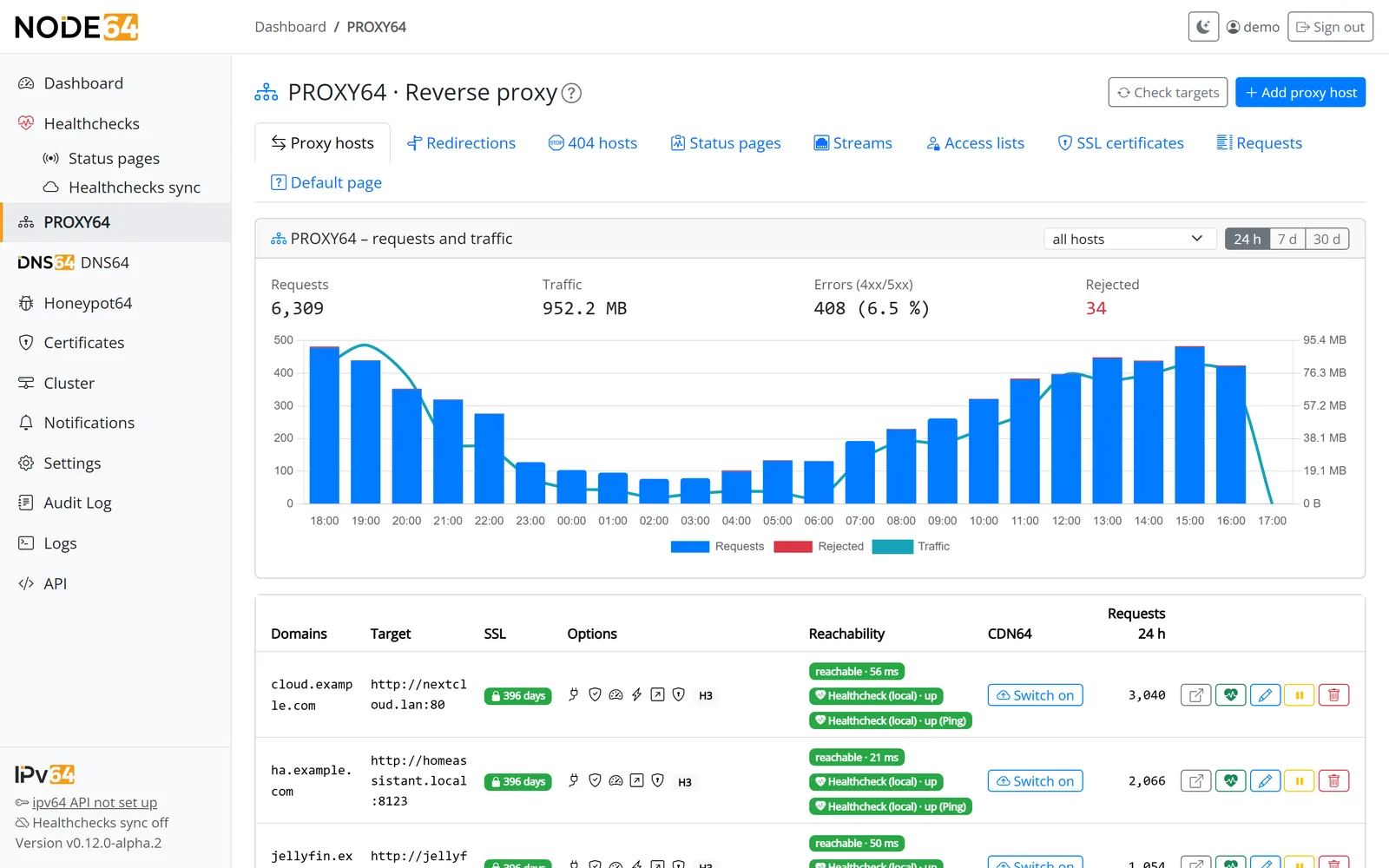
Two ways online – one module
You decide per service: the classic way via your own port forwarding, or through the CDN64 tunnel to ipv64.net. Both use the same proxy hosts, the same certificates and the same protection rules.
PROXY64 – reverse proxy for your home network
A replacement for Nginx Proxy Manager – just without nginx. Node64 speaks HTTP/1.1, HTTP/2 and HTTP/3 itself. Forward ports 80 and 443 on your router to the node and create proxy hosts with a few clicks.
- Proxy hosts, redirects, 404 hosts, TCP/UDP streams
- TLS passthrough for services with their own certificate
- Custom locations, access lists, WebSockets
- Runs fully locally, no ipv64 account needed
CDN64 – a tunnel without port forwarding
Your node opens an encrypted tunnel to two ipv64 edge servers in Germany (Nuremberg and Falkenstein) on its own. Visitors reach you over IPv4 and IPv6 – whether your line is DS-Lite, CGNAT or simply doesn't allow port forwarding.
- One click: account, tunnel, DNS and self-test
- Mode 1: certificate and key stay with you
- Always connected to both edge servers – with Business and Company over four parallel tunnels per server
- Real visitor IP in access lists, limits and logs
- Port mapper for TCP and UDP, emergency brake via pause
Everything a reverse proxy needs
Familiar workflow if you know Nginx Proxy Manager – plus plenty of things you'd otherwise have to write as nginx config yourself.
Every host type
Proxy hosts with multiple domains and wildcards, redirects (300–308), 404 hosts, TLS passthrough by SNI and streams for TCP and UDP – IPv6 targets included.
HTTP/3 built in
HTTP/1.1, HTTP/2 and HTTP/3 over QUIC – no nginx, no extra module. Plus force HTTPS, HSTS and a minimum of TLS 1.2 or 1.3 per host.
Advanced fields, not config files
Set or remove headers, host header, timeout, upload limit, buffering, compression with zstd and Brotli and trusted proxies with a Cloudflare preset – all as form fields.
Access lists
Users with passwords (bcrypt) and IP rules, “both required” or “any one is enough”. After 10 failed attempts the IP is blocked for 15 minutes.
Targets under watch
Every target is checked once a minute. One click turns it into a health check with alerts in the Health checks module.
Shares 443 with DNS64
A shared entry point routes 80 and 443 by name: PROXY64, DNS-over-HTTPS from DNS64, Let's Encrypt and the Node64 UI – no second container needed.
Secure before the first request gets through
Put a service on the internet and uninvited guests show up. PROXY64 slows them down before they reach your target – with defaults that work from day one.
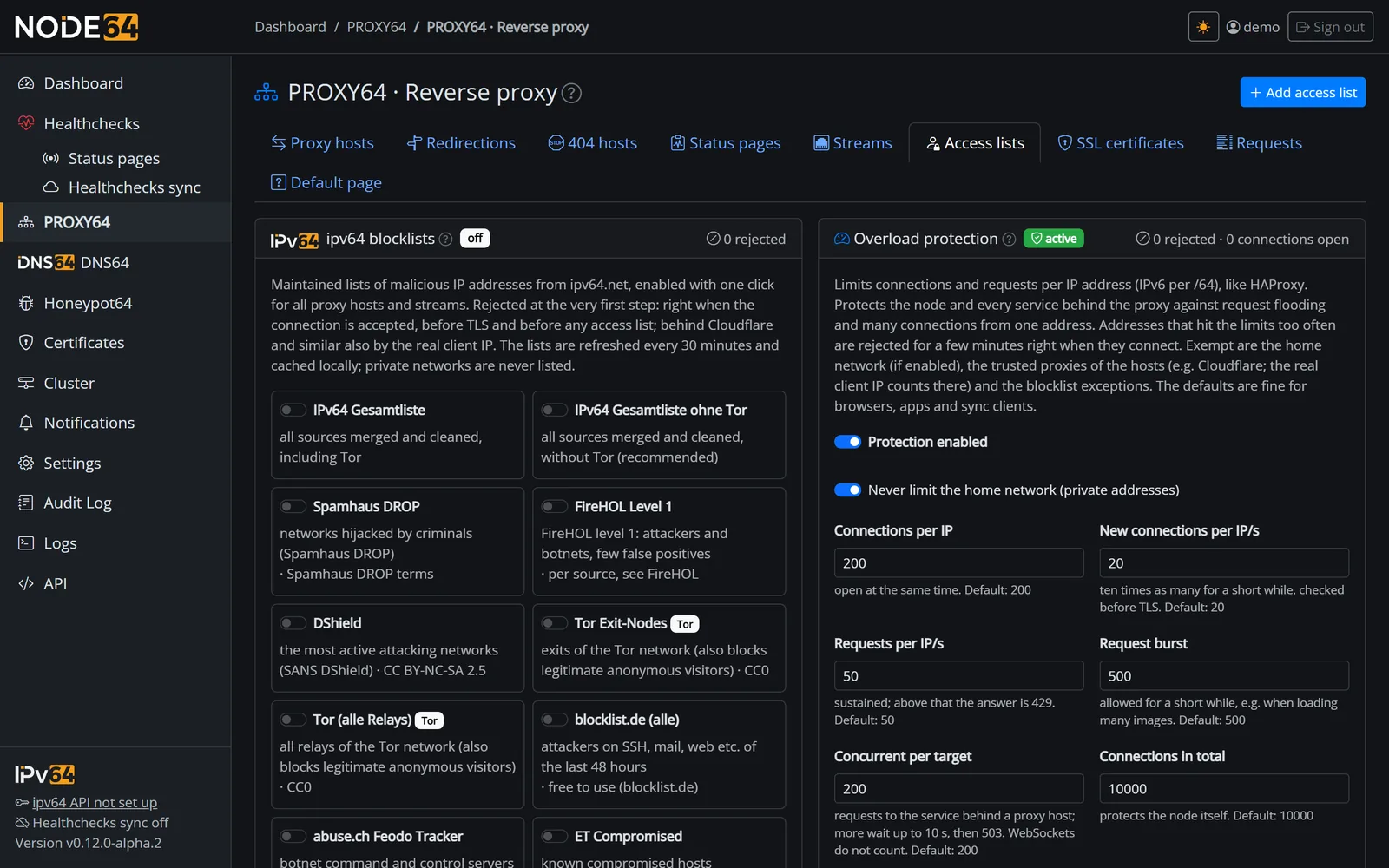
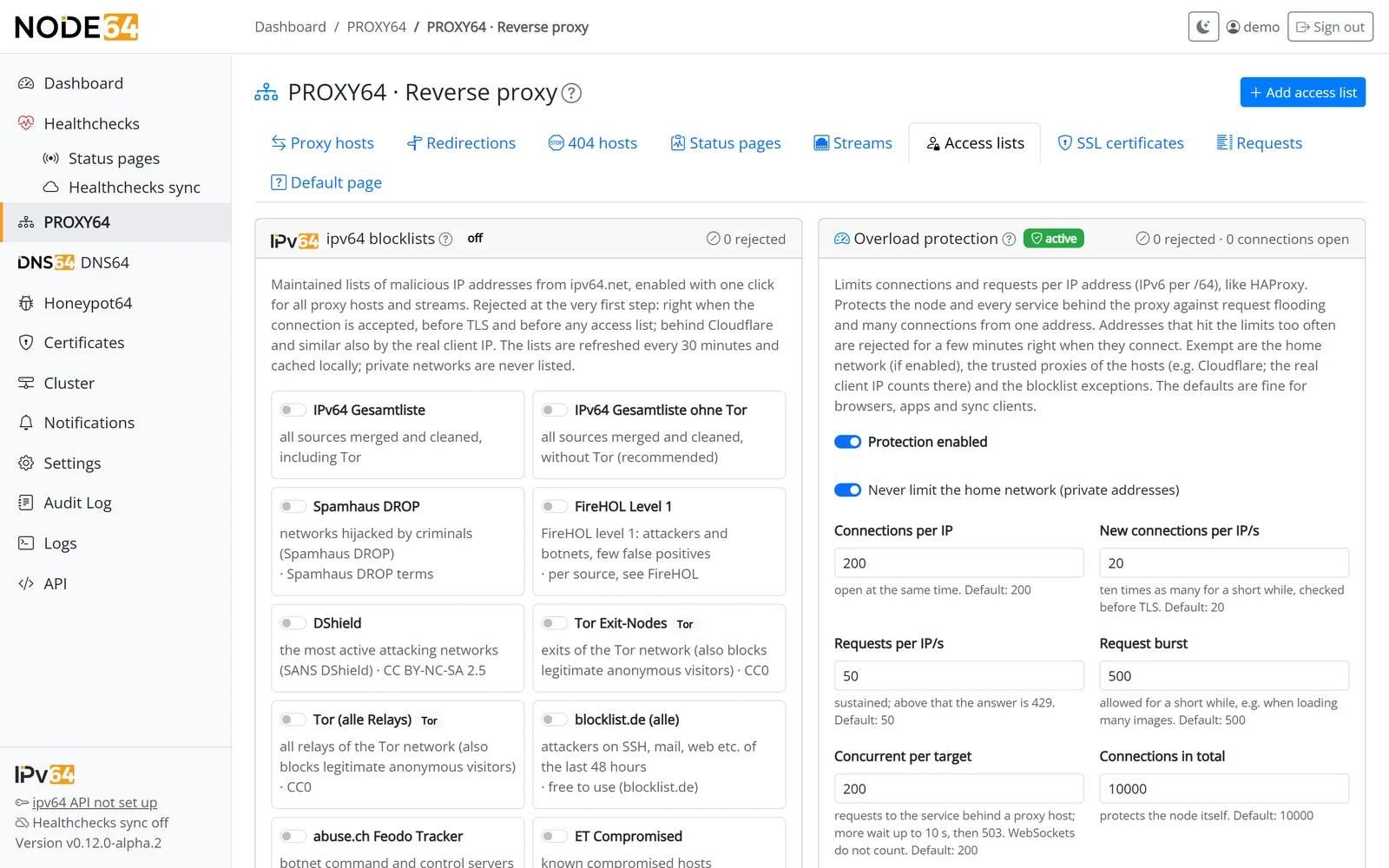
- HAProxy-style limits: connections, new connections and requests per IP or per IPv6 /64, plus a cap per target and in total.
- Automatic bans: anyone rejected 300 times within a minute is kept out for 10 minutes, right at connection time.
- ipv64 blocklists at the flick of a switch: combined list (recommended without Tor), Spamhaus DROP, FireHOL, blocklist.de, DShield, botnets, Tor, cloud networks and AI bots – rejected before TLS. New lists arrive without an update.
- Keep AI bots out per host – by user agent (a daily mirror of ai.robots.txt) and by IP, optionally with a matching robots.txt.
- Country blocking per host and stream: block certain countries or allow only certain ones, TCP/UDP streams included – your home network always stays open.
- Block common exploits: rules like in NPM, plus
.git,.envandwp-config.php. - Neutral error pages reveal nothing about Node64 or your target.
Your home network is exempt from the limits. The lists come from ipv64.net/v64_blocklists and are refreshed every 30 minutes.


How CDN64 works
Your node connects from the inside out to the ipv64 edge servers. Visitors arrive there and are passed through the tunnel to you. You choose where encryption ends.
Mode 1 – passthrough Default
The edge server only reads the name (SNI) and forwards the encrypted connection untouched. Certificate and key stay on your node, ipv64 sees no content – with HTTP/3, too.
 Visitor          ipv64 edge server       Node64 (home)
 ┌─────────┐      ┌───────────────┐       ┌───────────────┐   ┌─────────┐
 │ Browser │ TLS  │ reads SNI     │ QUIC  │ Node64        │   │ Service │
 │IPv4/IPv6│─────►│ only, does    │══════►│ TLS ends here │──►│         │
 └─────────┘      │ not decrypt   │tunnel │ certificate,  │   └─────────┘
                  └───────────────┘       │ limits, log   │
                                          └───────────────┘
 The node opens the tunnel outbound. No port is open at home.
Mode 2 – terminate on the edge server
TLS ends on the edge servers. They fetch the certificate themselves, filter right there (blocklists, limits) and send every request through the tunnel with the real visitor IP. Switch with one button, no DNS change.
 Visitor          ipv64 edge server       Node64 (home)
 ┌─────────┐      ┌───────────────┐       ┌───────────────┐   ┌─────────┐
 │ Browser │ TLS  │ TLS ends here │ QUIC  │ Node64        │   │ Service │
 │IPv4/IPv6│─────►│ certificate,  │══════►│ request as    │──►│         │
 └─────────┘      │ limits, 429   │tunnel │ HTTPS, real   │   └─────────┘
                  └───────────────┘       │ visitor IP    │
                                          └───────────────┘
 The node opens the tunnel outbound. No port is open at home.
One click with self-test
Check the account, build the tunnel, enable the names at ipv64, probe over the internet – every step with a result and a fix.
Built-in load balancing
DNS lists both edge servers, so visitors are spread across Nuremberg and Falkenstein automatically. The node keeps a tunnel to both – with Business and Company four parallel ones per server, and the servers hand new visitors to the least loaded connection. If a server fails, ipv64 removes it from DNS after about a minute and the other one takes over.
No CNAME, no DNS hassle
ipv64 points the name at both edge servers by itself when you switch it on. Switch it off and the old record comes back.
Let's Encrypt for everything – not just the proxy
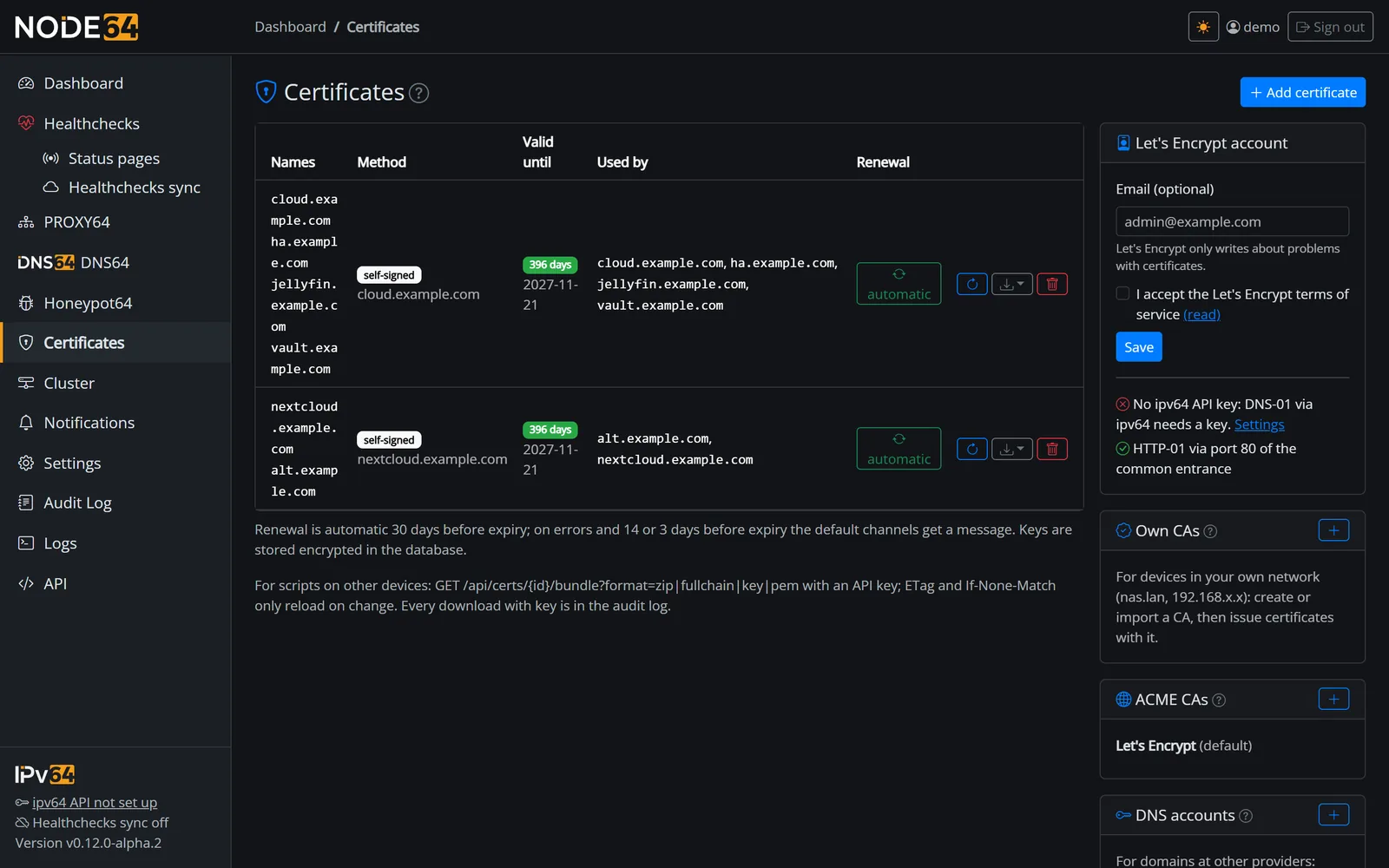
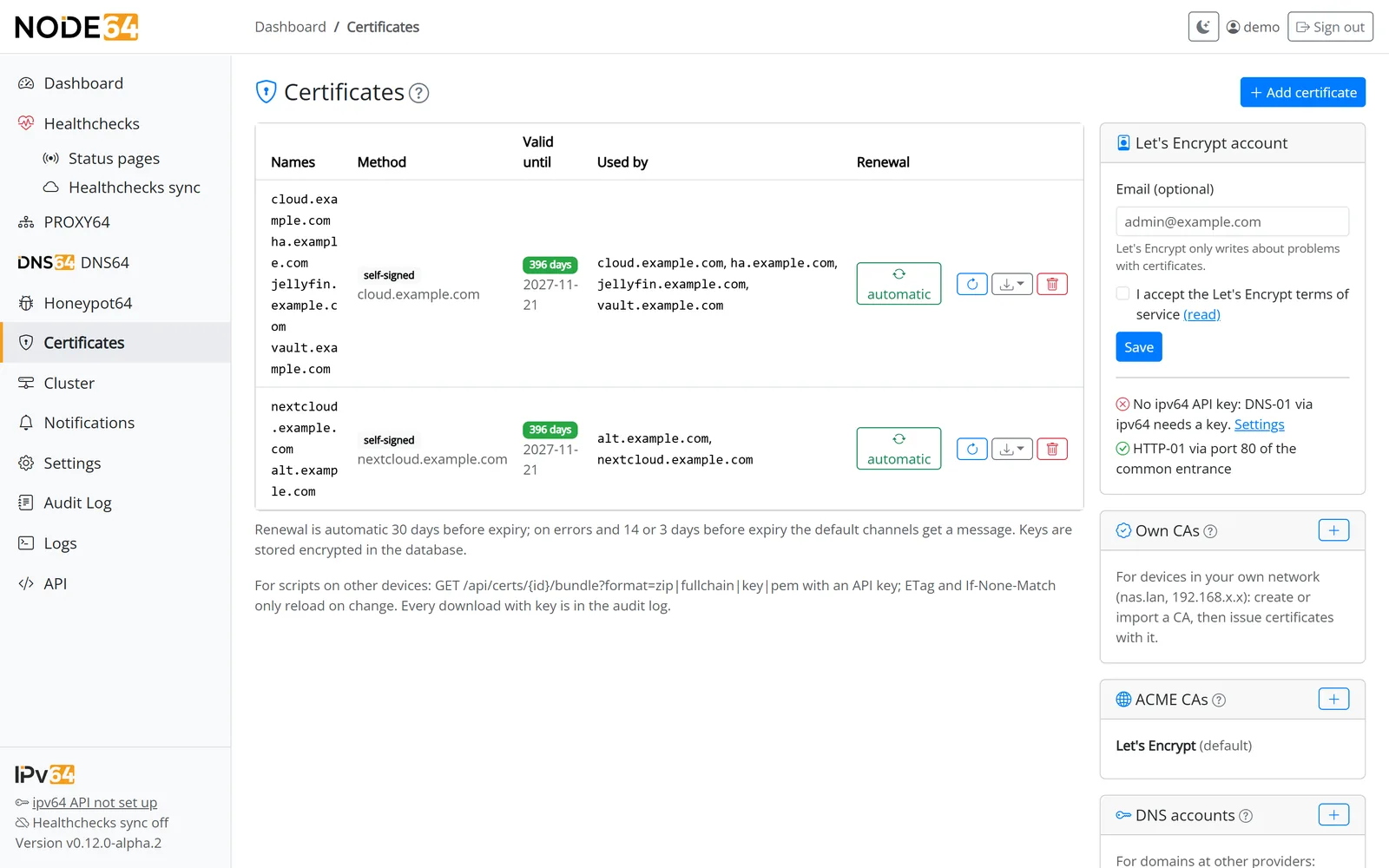
Certificate management is part of the Node64 core. PROXY64 uses it, so do DNS64 and the UI – and you can hand certificates out to your NAS, Proxmox or Windows machines.
- ipv64 DNS-01: wildcards for your ipv64 domains, no open port.
- 26 DNS providers such as Hetzner, netcup, INWX, IONOS, ALL-INKL or Cloudflare – or via an alias through ipv64.
- Your own CA for
nas.lanand private IPs, uploads of your own certificates, self-signed. - Automatic renewal 30 days before expiry, with alerts when something goes wrong.
- Download and API as PEM, ZIP or
.p12, fetched with ETag.
See what's going on
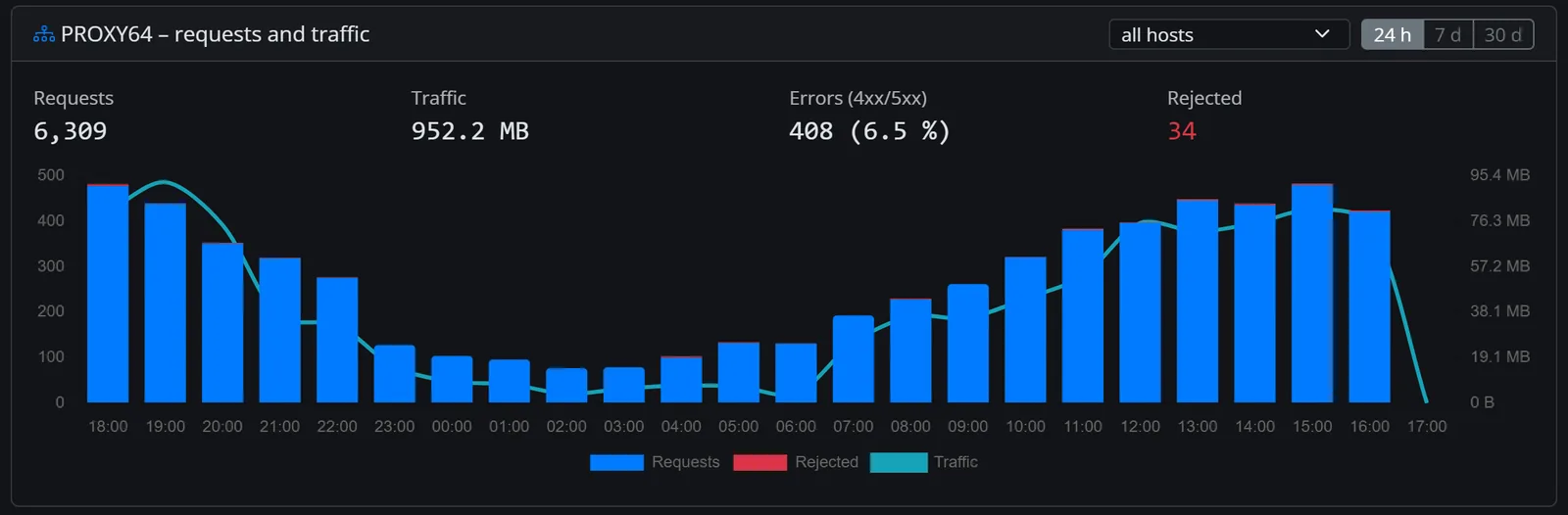
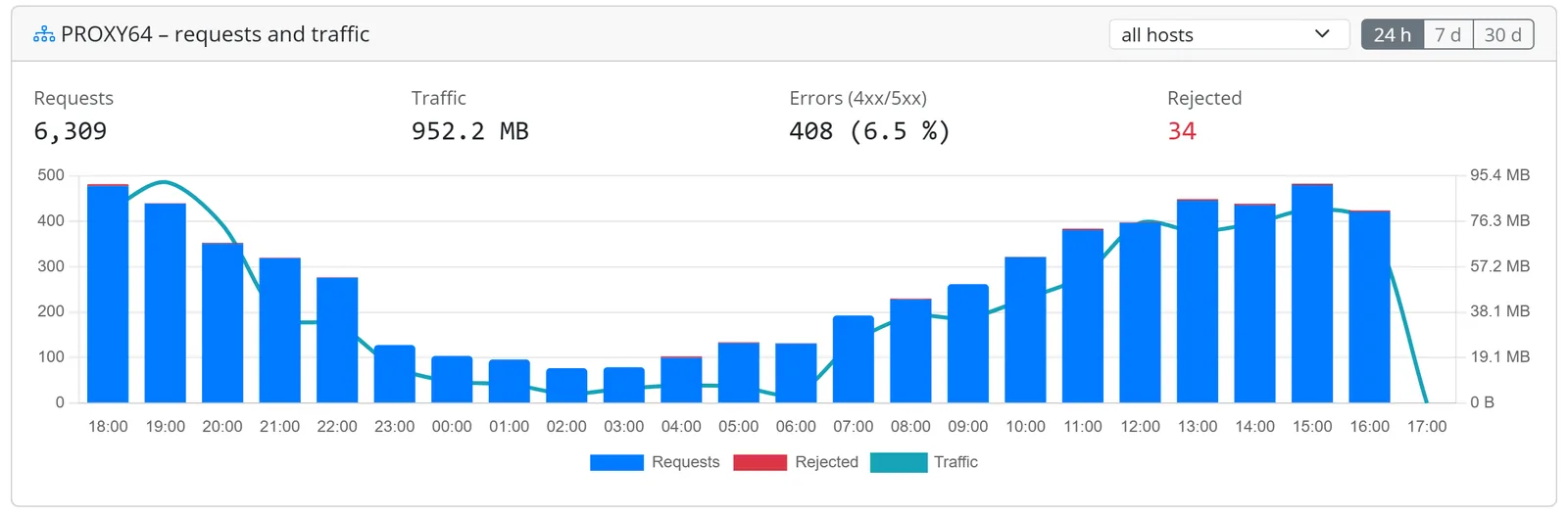
- Statistics per host and hour for 90 days: responses by 2xx–5xx, traffic and rejections – as a chart for 24 hours, 7 or 30 days.
- Access log per host on demand, kept for 1–90 days, IPs optionally shortened.
- Every rejection with its reason – blocklist, ban, limit, access list or exploit block – even without the access log.
- Dashboard card and Prometheus metrics for Grafana.
Light and fast
PROXY64 lives in the same Go binary as the rest of Node64. With the module off, it costs nothing.
Load test with 1,000 concurrent clients; client, proxy and target ran on the same 4-core machine. Real-world throughput depends on your hardware and line – with CDN64 mostly on your upload speed.
An honest comparison
PROXY64 and CDN64 aren't the best choice for everyone. Here's where they shine – and where other tools can do more.
| Feature | Node64 PROXY64 & CDN64 | Nginx Proxy Manager | Cloudflare Tunnel |
|---|---|---|---|
| Reverse proxy with web UI in your home network | managed in the Cloudflare dashboard | ||
| Reachable without port forwarding (DS-Lite, CGNAT) | CDN64 | port forwarding needed | |
| TLS ends at home, even through the tunnel | mode 1, HTTP/3 too | – no tunnel | typically at Cloudflare |
| Edge server location | Germany, two sites | – | global network |
| Compression with zstd and Brotli | per browser, static files precompressed | gzip via nginx | |
| HTTP/3 in the local proxy | not out of the box | – | |
| Rate limits and blocklists out of the box | via your own nginx config | depending on plan | |
| Certificates: many DNS providers, own CA, distribution via API | 26 providers + ipv64 | certbot DNS plugins | – certificates at Cloudflare's edge |
| Free-form configuration (your own config files) | fixed “Advanced” fields | nginx | – |
| Load balancing across multiple targets in your network (backends) | limited | ||
| Global CDN with edge caching | edge caching: ipv64.net/cdn64 | – | |
| Domain at any registrar through the tunnel | domains in your ipv64 account | – | typically DNS at Cloudflare |
| Monitoring, DNS filter and DynDNS in the same container | |||
| Cost | Node64 is free; online depends on your account plan | open source, free | free plan available |
Information on other products reflects what is generally known and comes without guarantee; features and plans may change. Nginx Proxy Manager and Cloudflare are trademarks of their respective owners.
Done with port forwarding and nginx files
Install Node64, switch on PROXY64 and create your first proxy host. To go online without port forwarding, connect your ipv64.net account – one click and you're done.
The public Node64 image is coming soon. Account plans and quotas: ipv64.net/pricing

